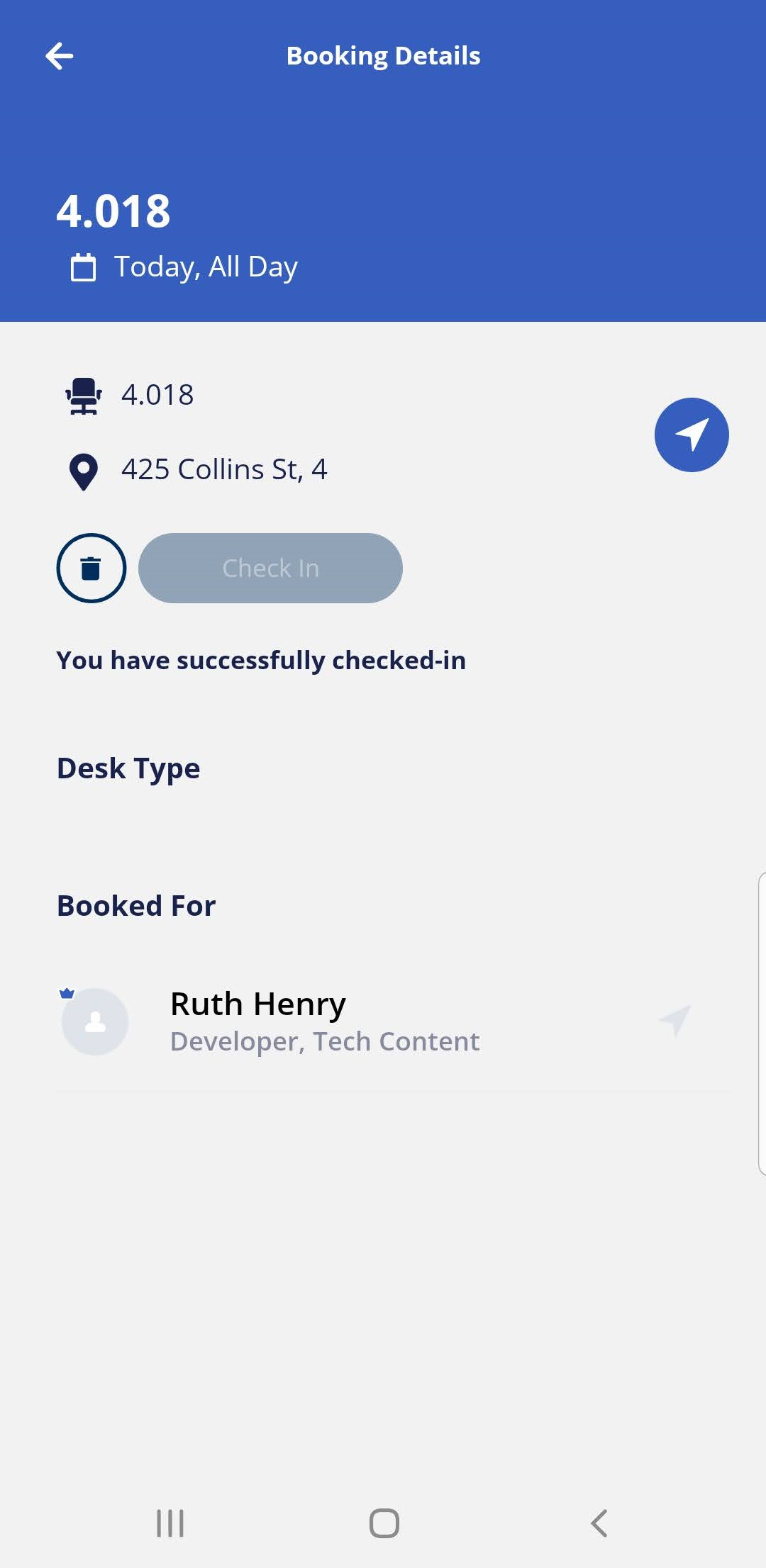
Desk Check-in via Notifications screen
Serraview Engage
When the check-in window opens you will be able to quickly check-in to your desk from the Engage's notifications screen.
Notes:
- Remember that Engage will send out a notification when the check-in opens, find out how to complete the Desk Check-in via Email Notification.
- Reservations made through the Serraview Engage app will generate a check-in push notification on your device (depending on device settings). If the reservation was completed via the Serraview Engage Web, then there will be no notification in the mobile app.
Follow the Steps
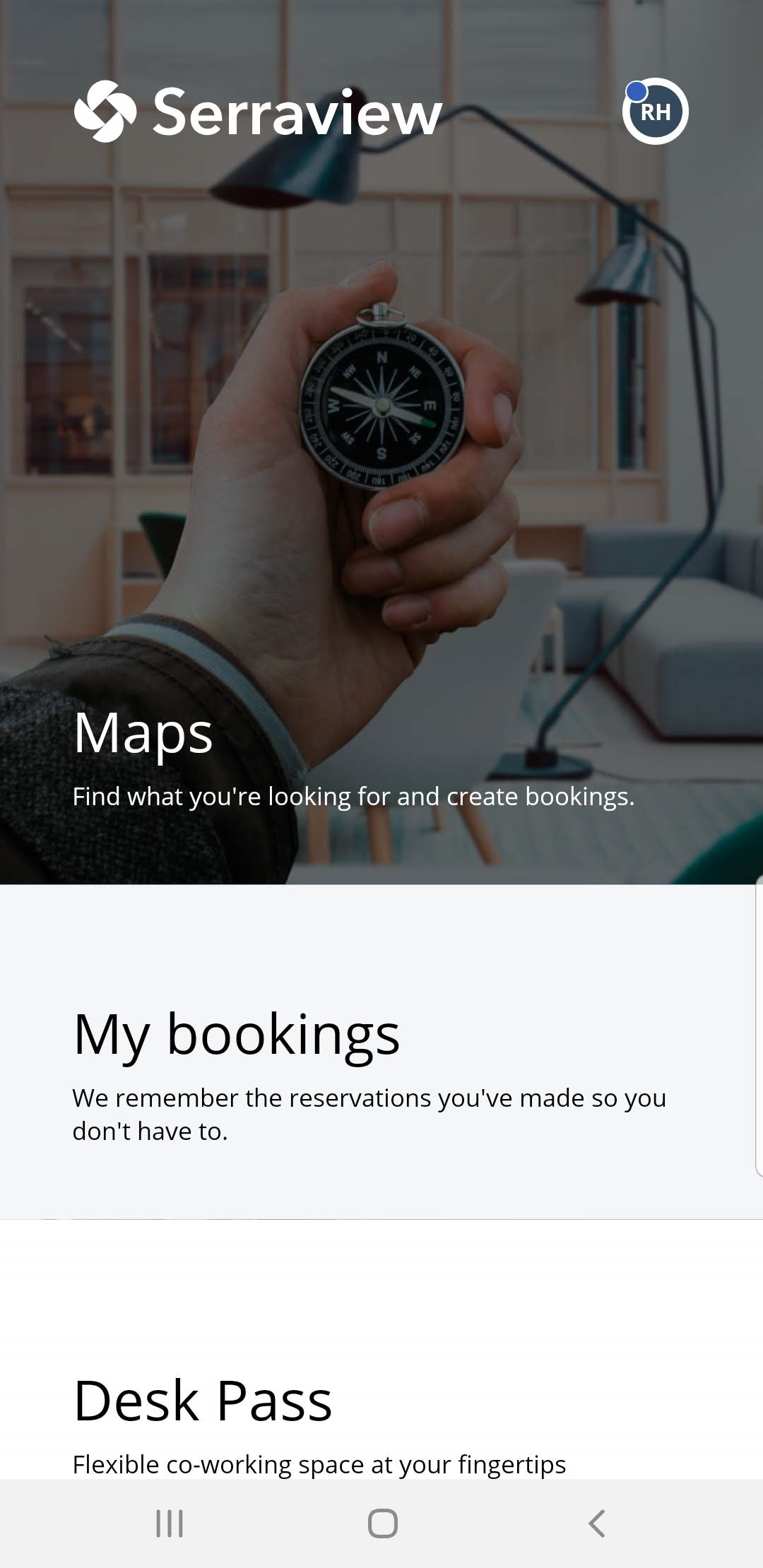
Tap on the Notifications icon.

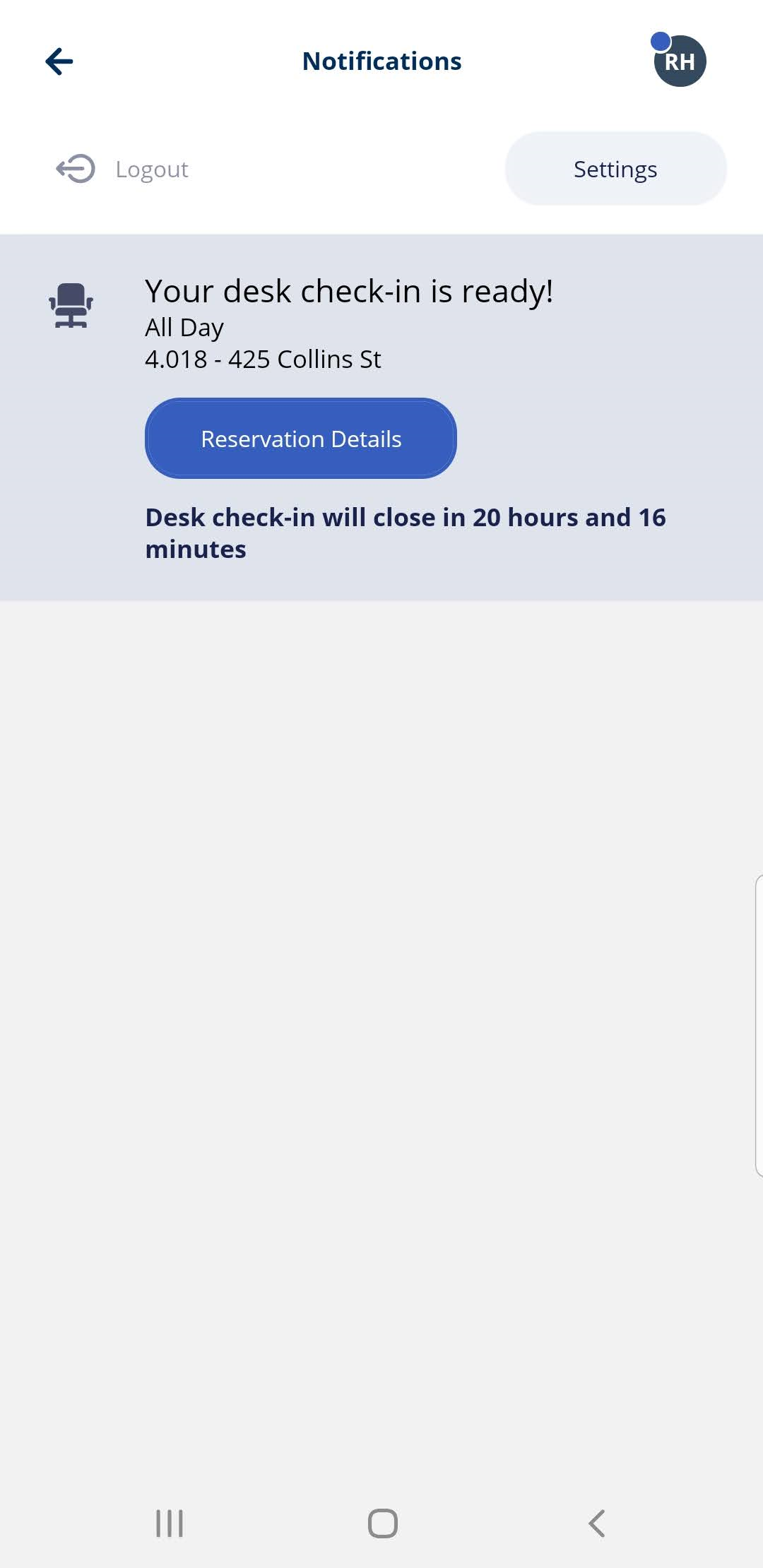
When Notifications screen displays, then tap on the Reservations Details button.
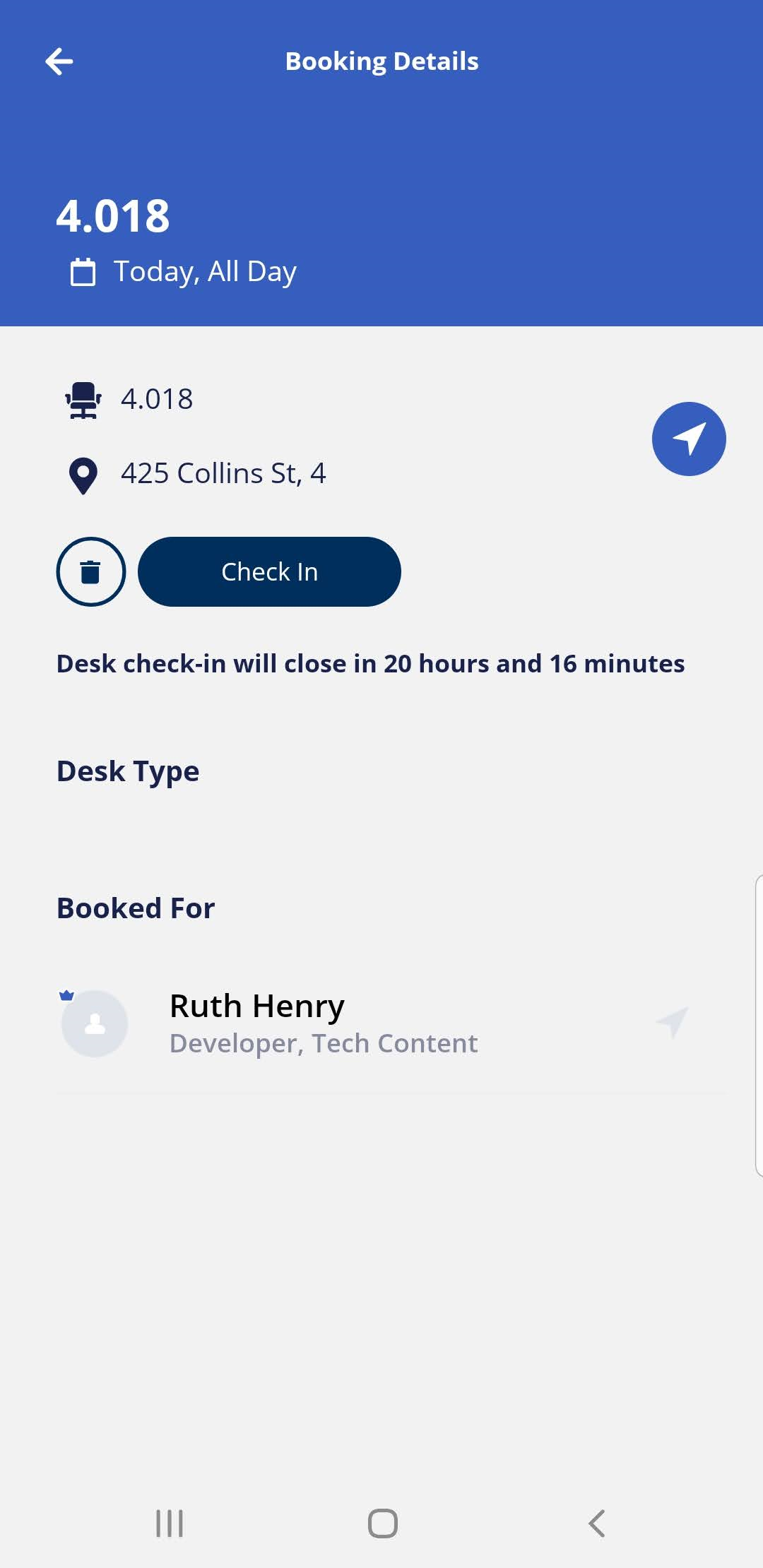
Tap on the Check in button.
You have successfully checked in to your desk.