Configure Employee Privacy
Serraview-Engage
Watch the Video
Audio: Sound Length: 2:08 mins
Understand what your Employees will Experience
Learn more about what your employees will experience when they:
- Search for an opted-out employee.
- View a desk reservation made by an opted-out employee.
Remember, if you are a System Administrator who has the secured action Reservations - See opt out of search users then you will be able to see everyone (including opt-out employees). If you want to complete a test, then sign in with your test user who does not have the secured action.
Search Results
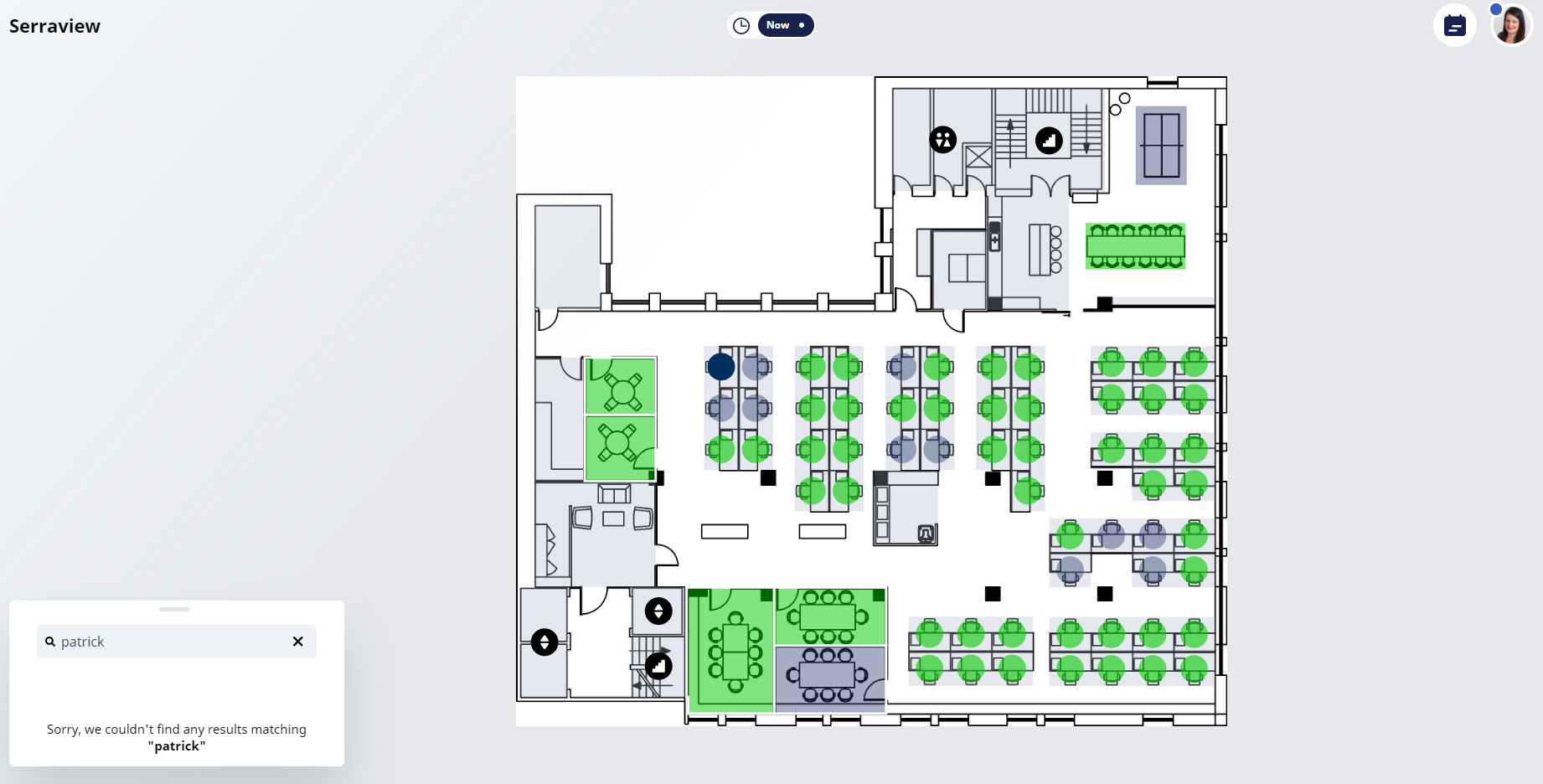
When an employee has opted out of Serraview-Engage then they will not be displayed in the search results.
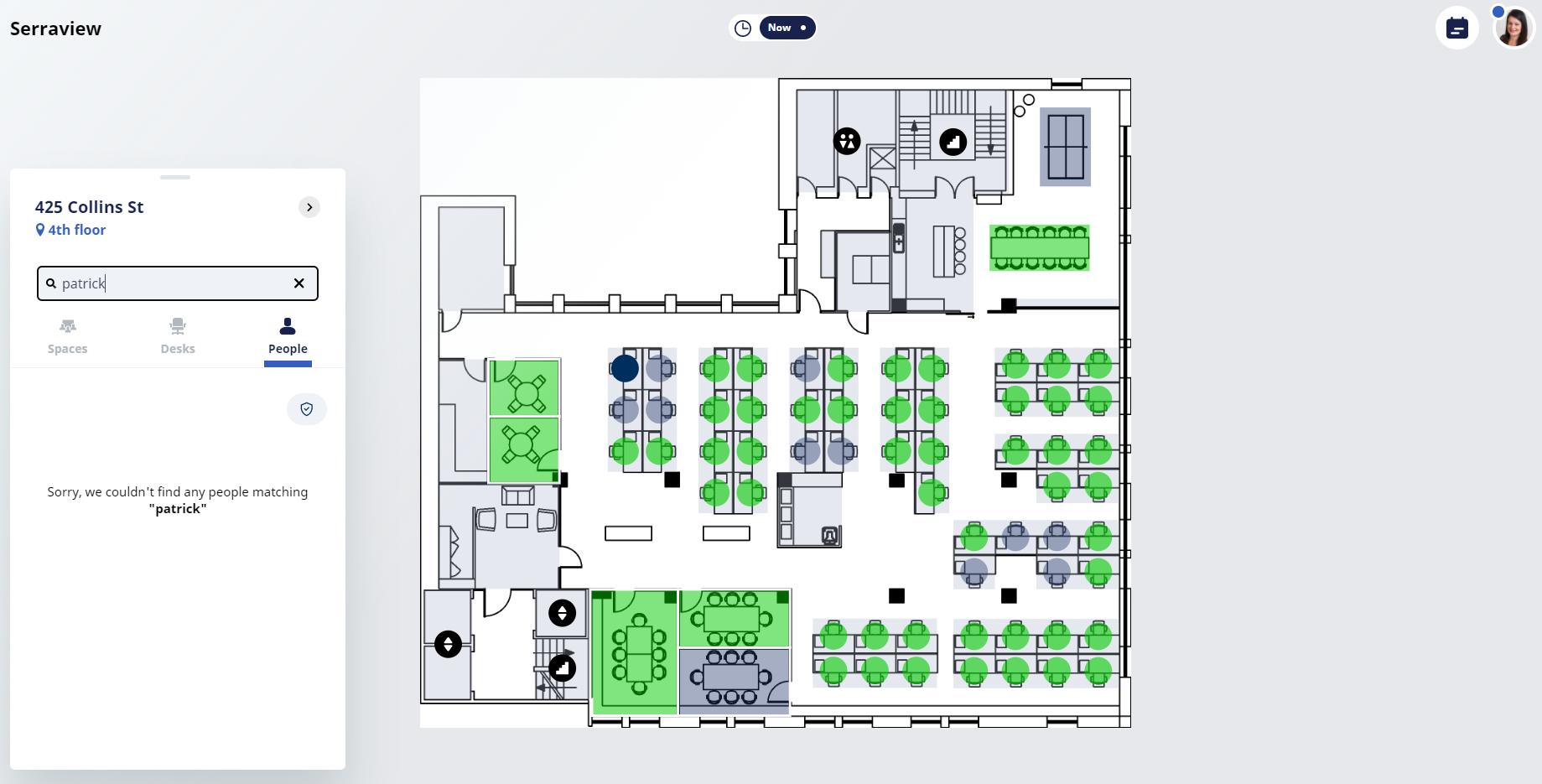
When you have the ability to book on behalf of someone else and you search for the person, then they will not display in the search results.
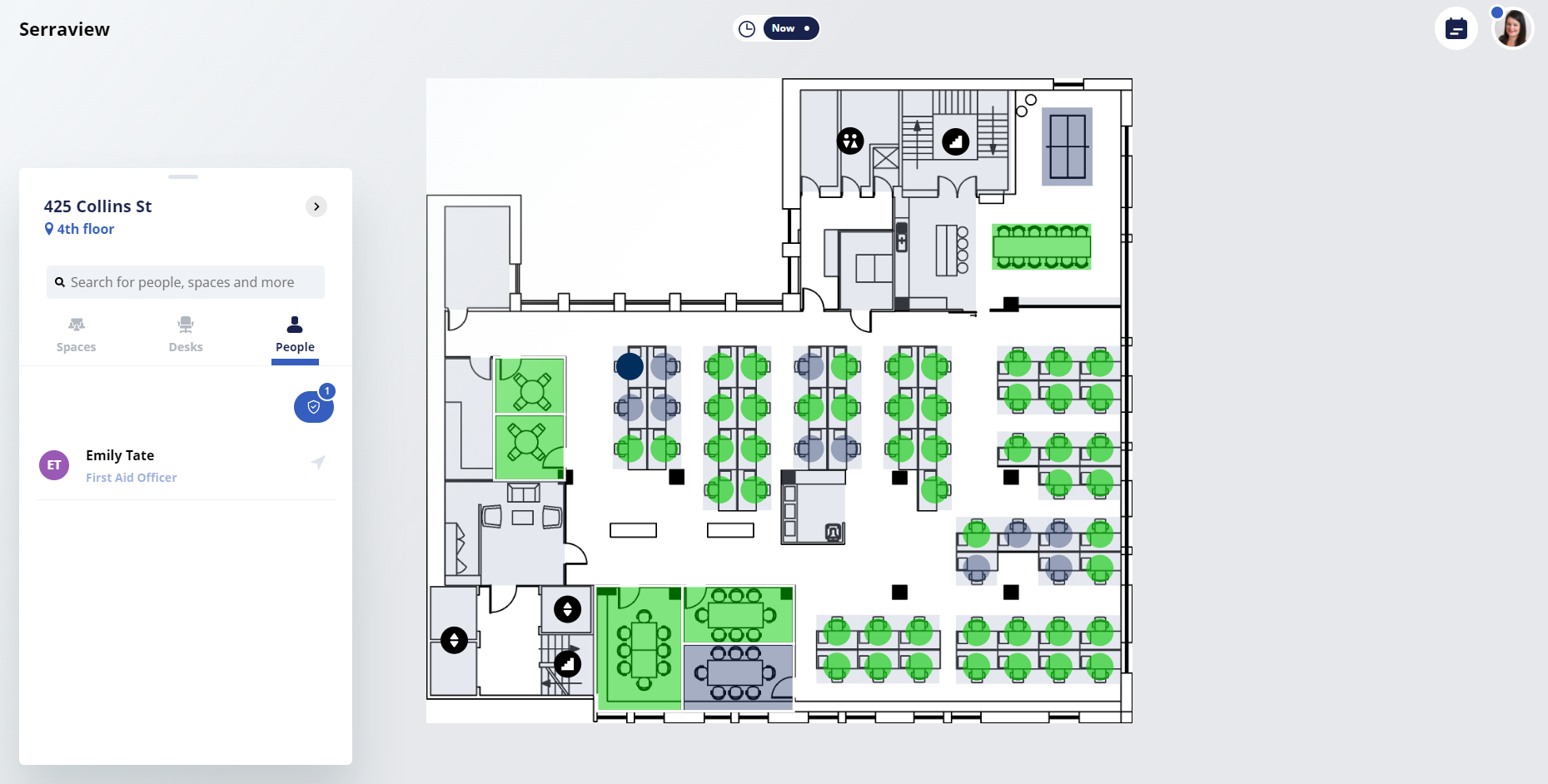
When an employee has opted out of Serraview-Engage and they are a First Responder, then then not be displayed in the filter results.
We recommend you choose employees who are opted-in to be your First Responders.
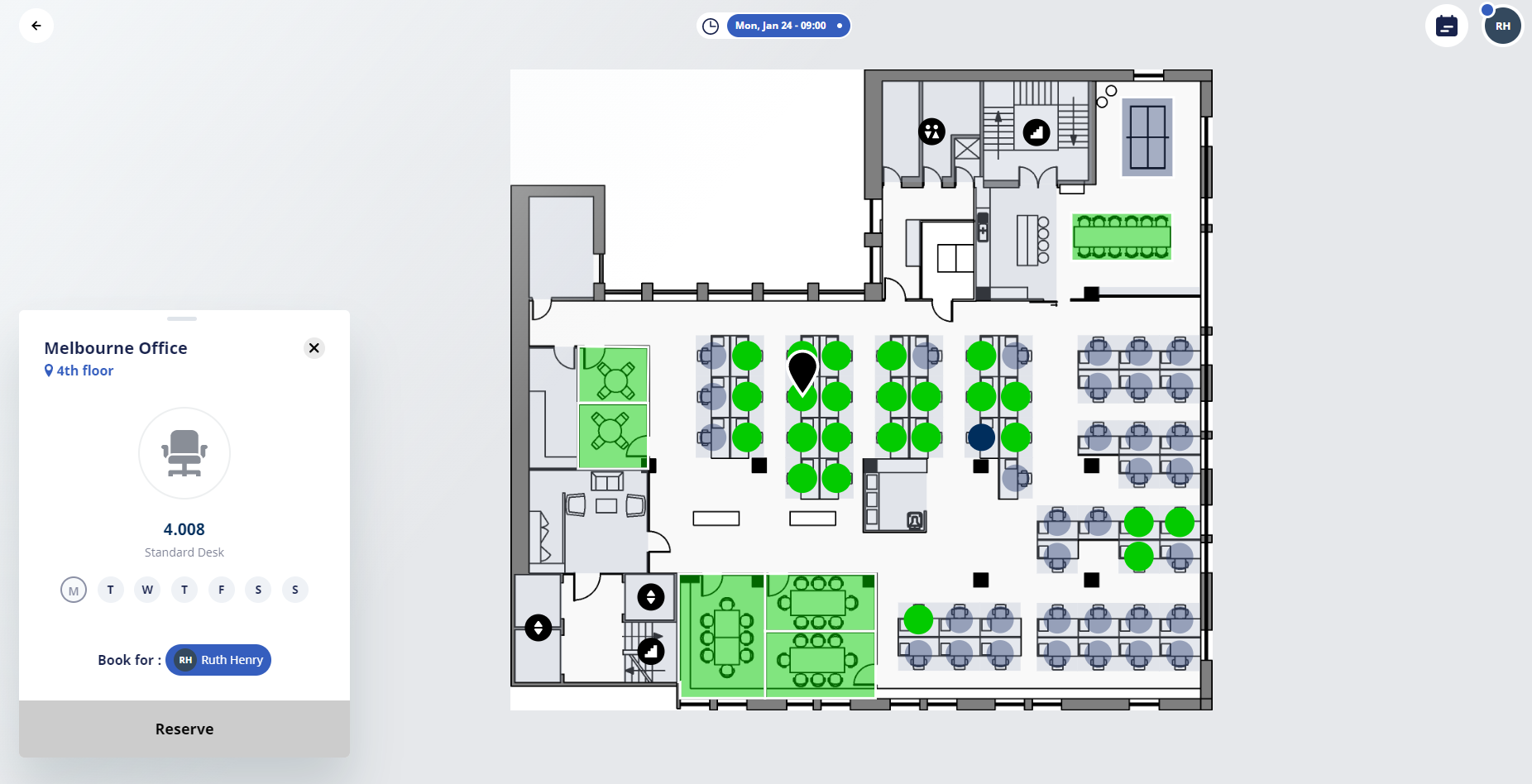
View a Desk Booking
When an employee has opted out of the Serraview-Engage and they have made a booking, then their desk will display with no details and you will not be able to be reserve the desk.