Desk Check-in via Email Notification
Serraview-Engage
When you have a desk reservation and the check-in opens then you will receive an email notification.
Notes:
- All day desk reservation start time“ is used to calculate the desk check-in start time. No matter what time is set for “All day desk reservation start time“, the time listed in the emails and reports will display as 12:00 AM. This is because the desk is being reserved for the entire day. Learn more about All Day Desk Bookings and Check-in Times.
- An email notification is sent to the reservee when the check-in window opens. If a user reserves on behalf of another person, then the reservee stills gets an check-in email.
- Open your "Engage check-in" email.
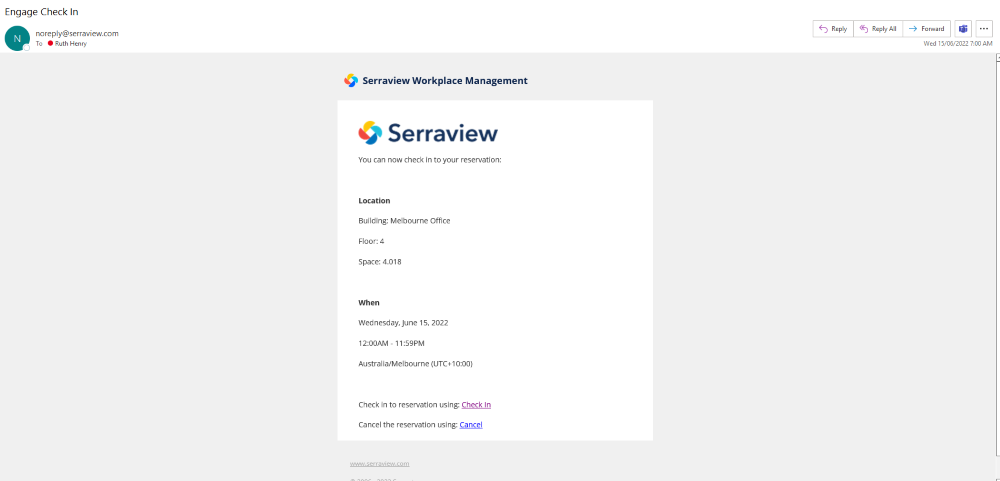
2. Click the Check in link to display the Reservation check-in screen.
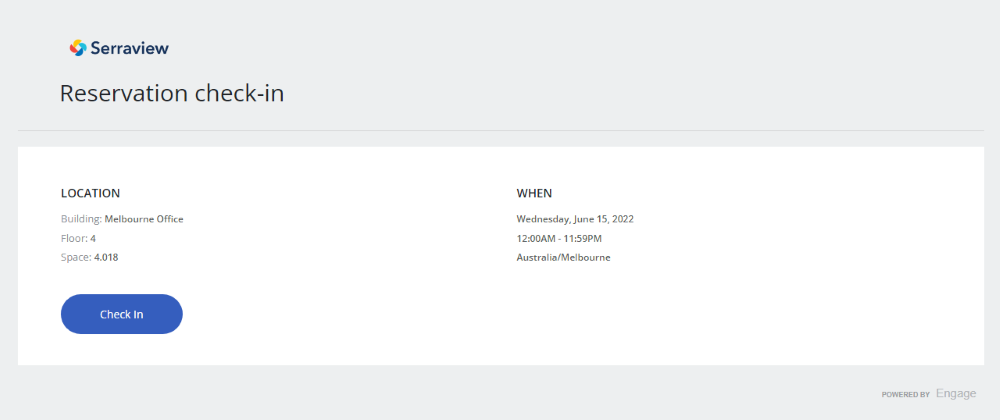
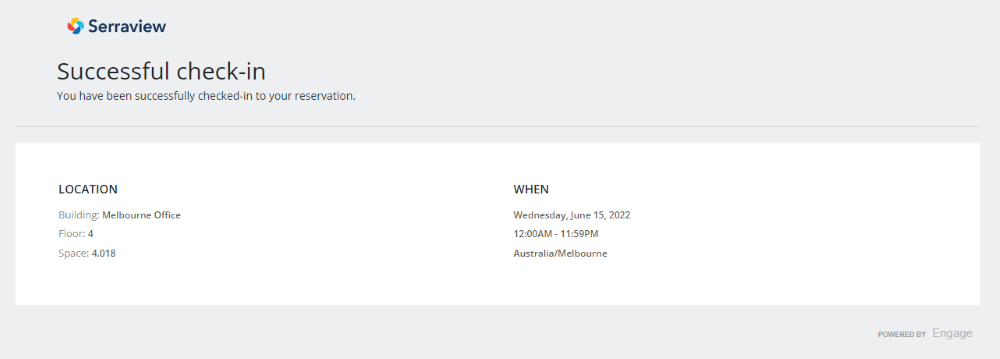
3. Click the Check in button and Serraview-Engage will check you in to your desk reservation.