Disable an Engage Application
Serraview-Engage
Level: System Administrator
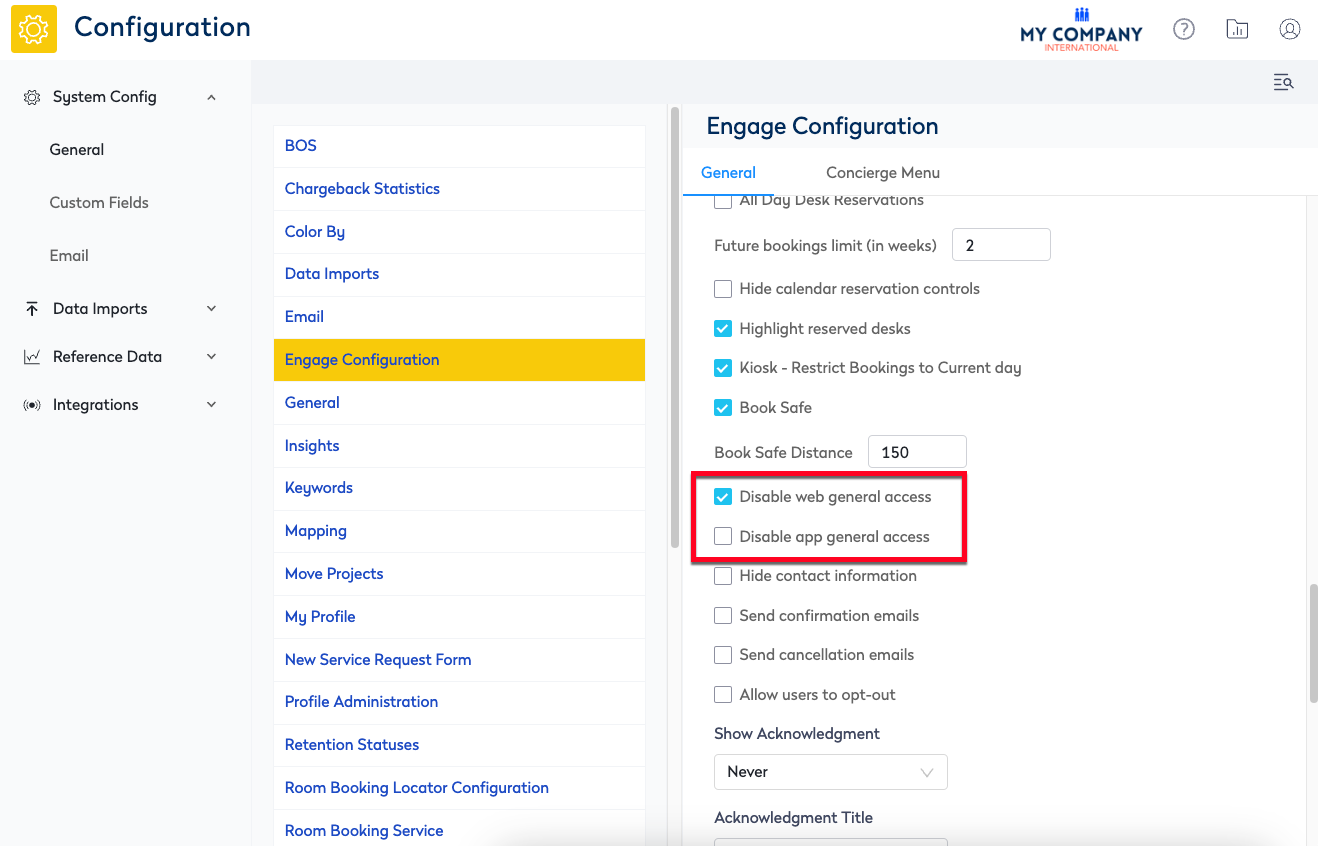
By default the "Serraview Engage" Mobile and Serraview-Engage Web applications are both enabled. If your business will only use Mobile or Web then your System Administrator can disable the other application.
From Serraview, complete the following:
- Navigate to Admin Settings > System Config > General > "Engage Configuration".
- For the application you want to disable either check Disable web general access check box OR Disable app general access check box.
- Click the Update button.