Opt-out of Engage's Search (Mobile)
Serraview-Engage
If you have a reason why don't want to be found in Serraview-Engage's Search then you can opt-out of the search. Note that by default, this setting is turned off and you will be included in the search.
If you want to give your employee's the option to opt-out of the search, your System Administrator must enable the setting. Learn more in, Enable Employees to Opt-out from Engage's Search.
Follow the Steps
Tap on the Notifications  icon to begin and the Notifications screen displays.
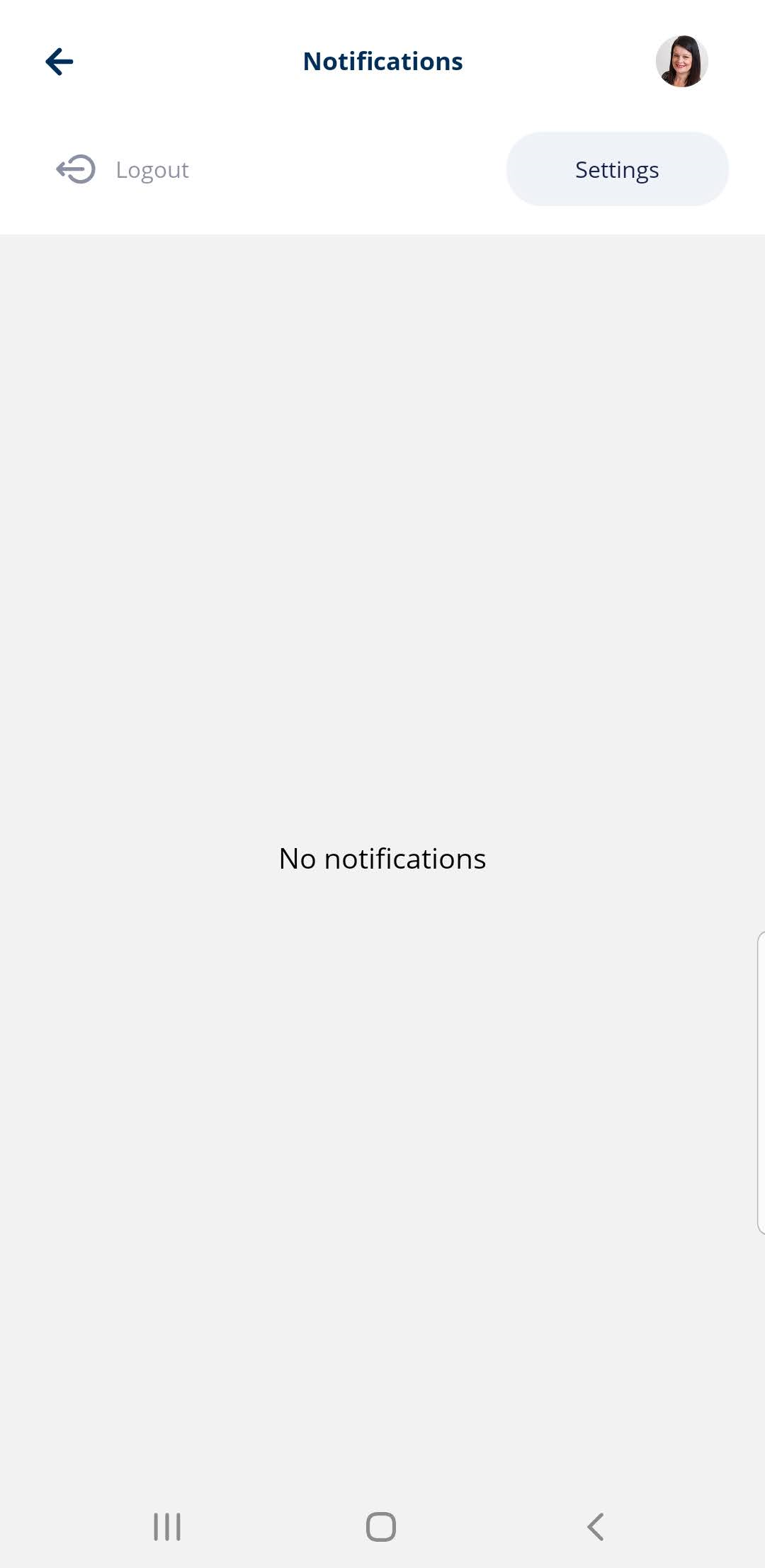
Tap the Settings button and the Settings screen displays.
Tap the Opt out from search toggle to turn it on.
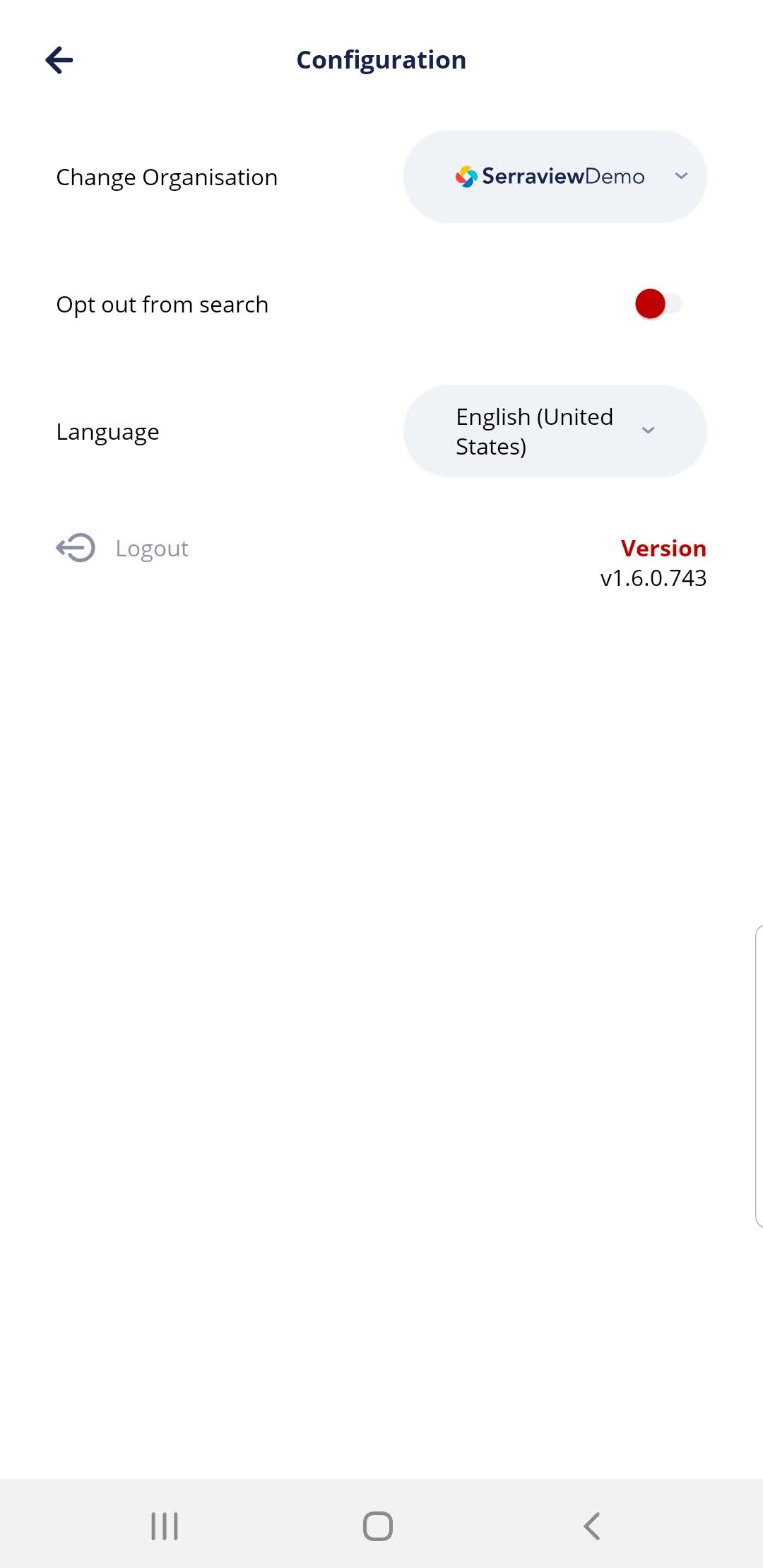
The setting is automatically saved.
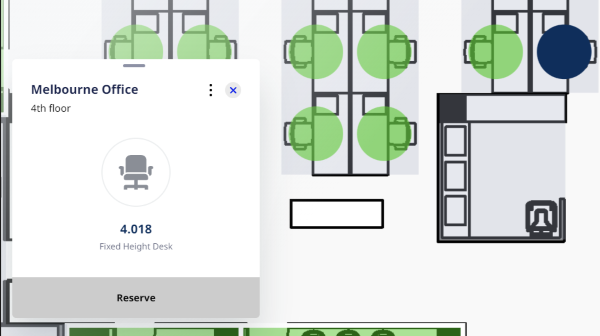
When an opted-out employee makes a desk reservation then Serraview-Engage will display their reservation without their name and a label called "Reserve".