Archibus Workplace
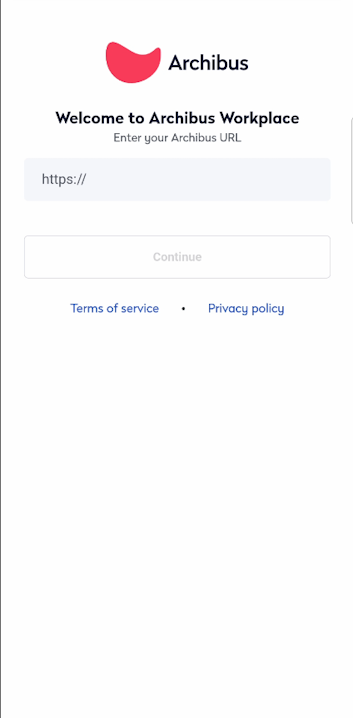
Workplace is available as a native, stand-alone mobile app, downloadable from the Apple Store or the Google Play Store. It follows a mobile-first form factor and has no browser elements; it uses the same code base as the standard Workplace application.
|
Workplace as a mobile app unlocks some native functionality, such as:
- using the mobile device’s camera roll to upload pictures
- loading the mobile app upon scanning a QR code for a room booking or service request
The URL is: http(s)://domain(:port)/
Notes:
- For latest versions of iOS (17 and above), secure connection (HTTPS) is required by default for external URLs.
- In the Workplace mobile app, to move from the current screen back to the Dashboard screen, use the Cancel button; this navigates you to the Dashboard / Services screen.The Back button is not supported in mobile and it will take you to the "Confirm your Archibus URL" screen.
- After you have logged in and you are displayed a white screen, then swipe out of the Workplace mobile app and then open it again.
|
|
