
Change your profile
Archibus Workplace
You can change your profile to set your preferred privacy and locale settings.
- Open Workplace.
- Click My account (top-right corner).
- Click My profile and the My profile screen displays.
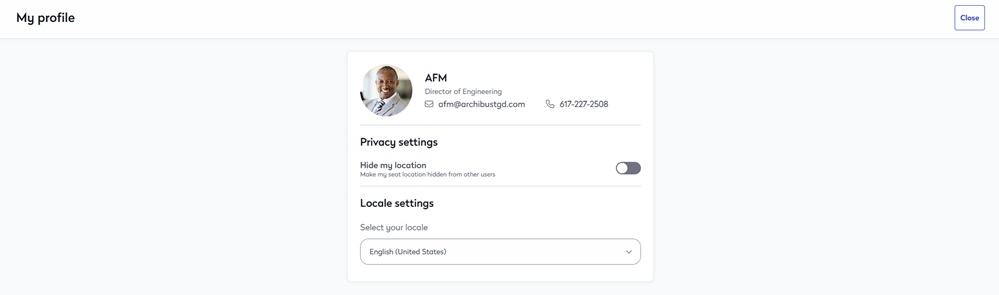
- If you want to hide your seat location from other users, then click the toggle to ON.
- If you want to set your locale, from the Locale drop-down, select the locale. Note you will need to log out and back in to see your updated profile change.
