
Sign in to Archibus Workplace (Web)
Archibus Workplace
A manager defines authorized users of Archibus Workplace by entering them into the Archibus Users table, as well as the Employees, Vendors, or Craftspersons table. Users can be employees, craftspersons, and vendors. See Give users access to Archibus Workplace.
Users Log in
Users then log into Archibus Workplace using the standard sign-in form with the user name and password provided by their Administrator. When you login with a user ID enables Archibus Workplace to show the user's information on the Workplace interface and send to the user email notifications pertaining to requests that they make.
Note - After you have logged in and you are displayed a white screen, then close the browser, then open it again, and log into Workplace.

Guest Log in
Users can also log in as guests and this is useful for visitors who are not entered into the system, such as building visitors, contractors, and vendors. When they as a Guest they are log in as the GUEST user, defined in the Archibus Users table.
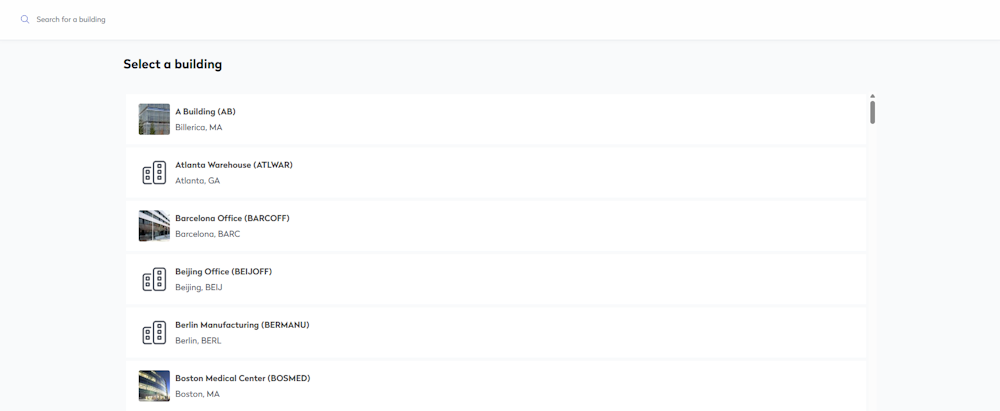
From the Log in screen, users click the Log in as guest button and the select a building screen displays, where you can select a building and then the Workplace homepage displays.
Guest and Requests
When the guests users create requests, they will be prompted to select who is making the request, in the Request by drop-down below.

These users can search for and select the GUEST user from the list. Or, they can select a user in the system, when a user is selected then they will receive email notifications and tracking who makes requests.
