
Navigate around OnSite
Archibus OnSite
Let's have a look around the Home screen.
MaintenanceTechnicians can use the Maintenance section to complete the maintenance tasks assigned to them. Learn more about the typical work sequence: AssessmentTechnicians or assessors can use the Assessment section to access assigned assessment projects, review equipment or location conditions, capture photographs, attach documents, and update assessment data. Learn more in Complete a Condition Assessment Asset and Equipment RegistrationOrganizations managing large volumes of assets in the field can register newly received assets either as an individual asset or in bulk register multiple assets. Then these assets can be reviewed before being uploaded into Archibus. |
 |
Home
When you need to return to the Home screen, tap the Home icon; this is a quick way to return from the Maintenance, Assessment, or Asset and Equipment Registration sections.
Notifications
|
Tap the Notifications icon to display any notifications that are sent to you. Technicians - Remember, you can set up your Display Options and the Notification settings. |
Account
|
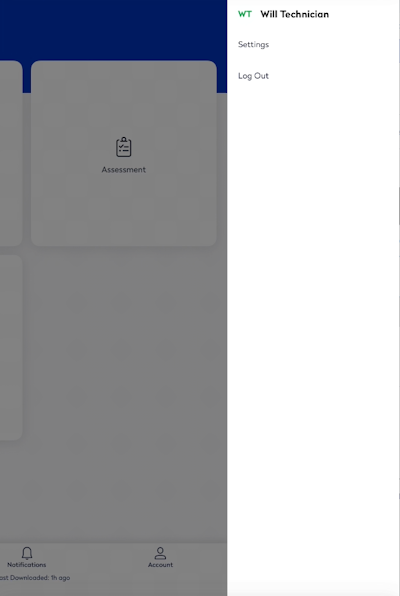
Tap the Account icon to display the Settings and the Logout in the menu. |
 |