Print Labels and Placards
Print the labels for your boxes and placards for the spaces in the Move Request.
- Navigate to Move > Labels & Placards.
- Select a move request.
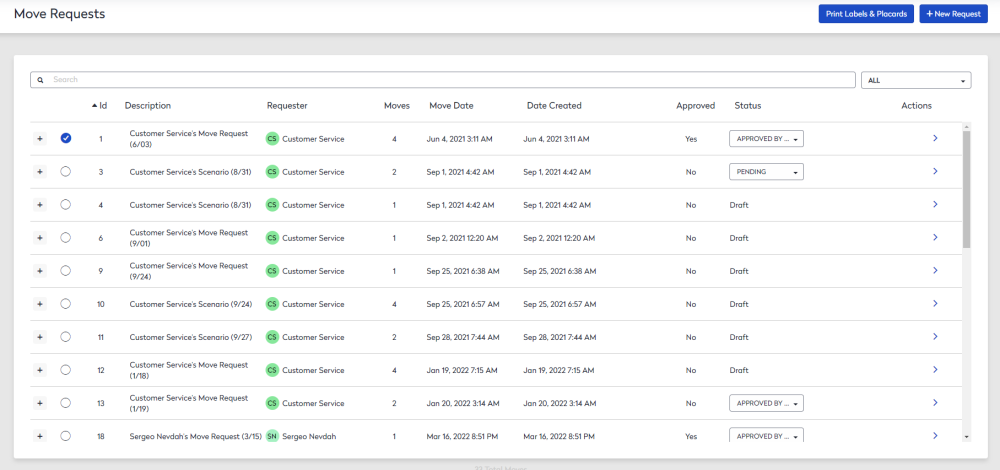
- Click the Print Labels & Placards button.
The Labels & Placards Options dialog displays.
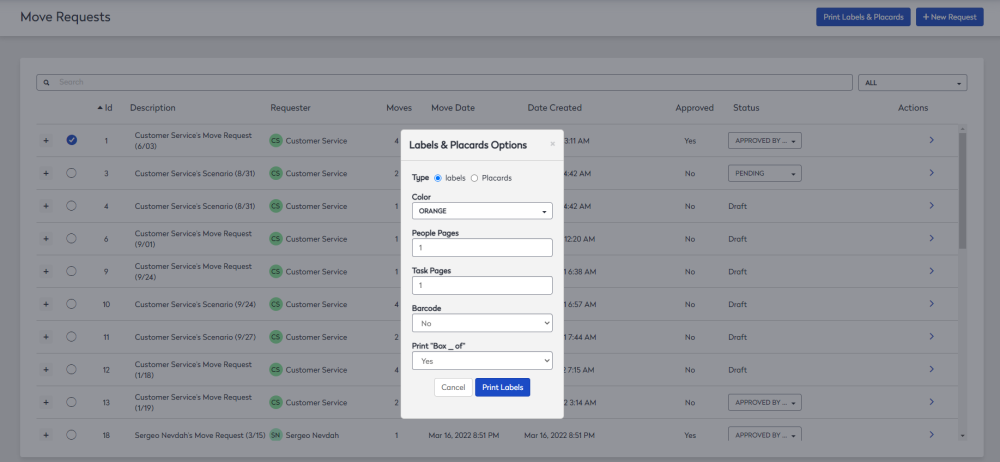
You can either print labels or placards.
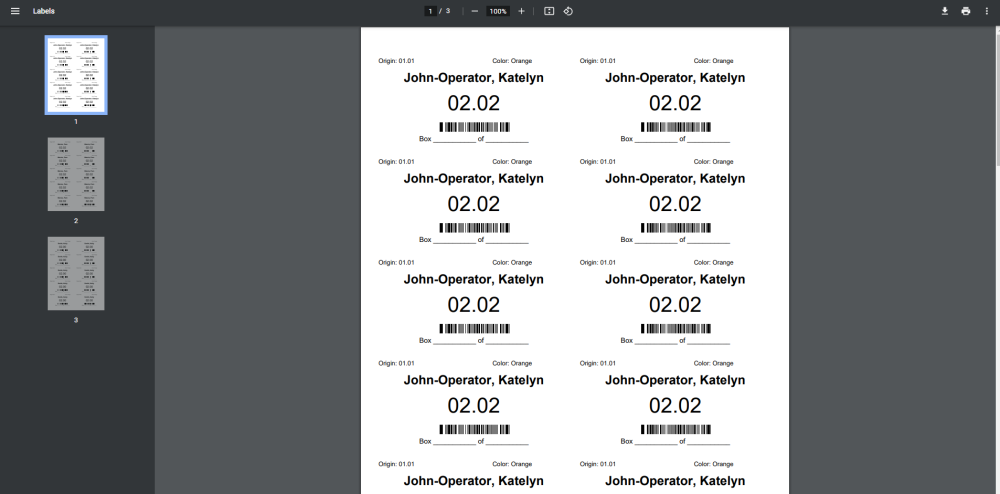
Labels
- Complete the details.
- Click the Print Labels button.
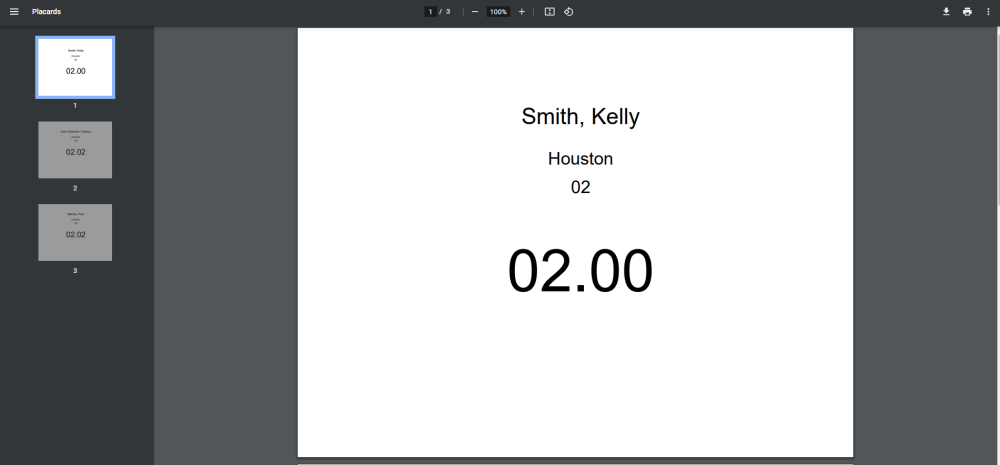
Placards
- Select the Placards option.
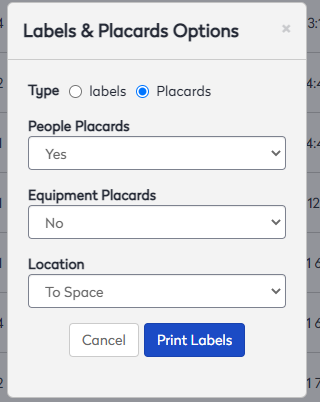
- Complete the details.
- Click the Print Labels button.