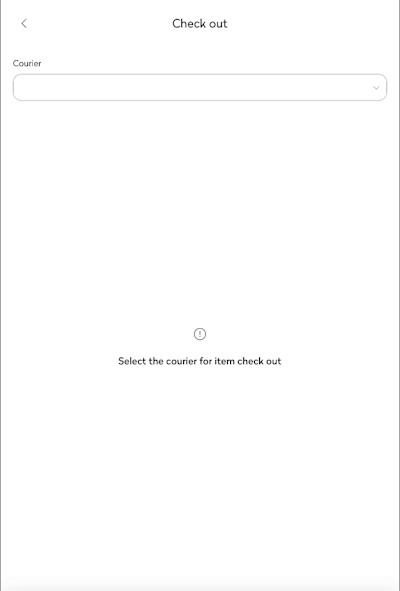
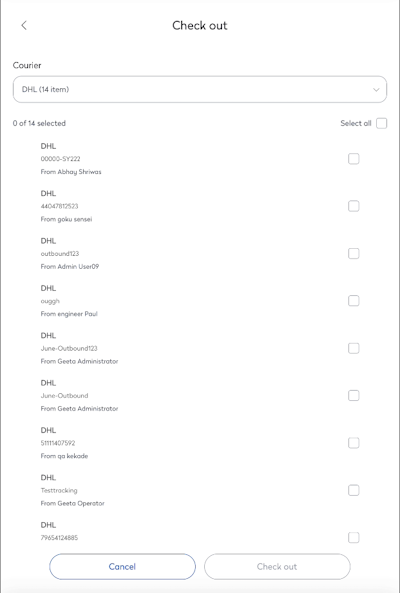
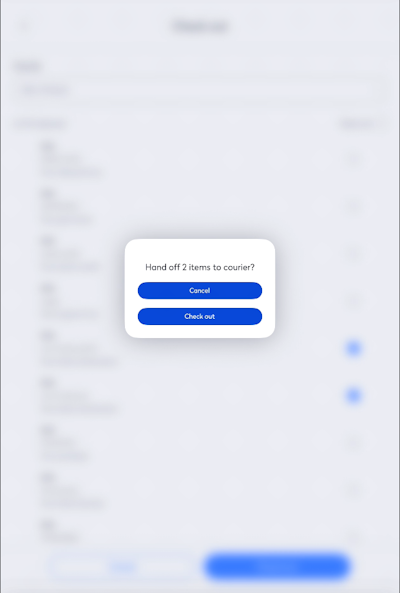
Check out Mail Items Last updated Save as PDF Eptura Mail app Log handling of outbound mail items transferred to couriers. From the Home screen, tap Check out. From the Courier drop-down, select the courier's name. You can either tap the Select all check box OR tap a mail item check box to select it. Tap the Check out button. The hand off items to courier message displays, tap the Check out button and the mail items are checked out.