Using SSO to log in to Service Request app
iOffice Service Request app
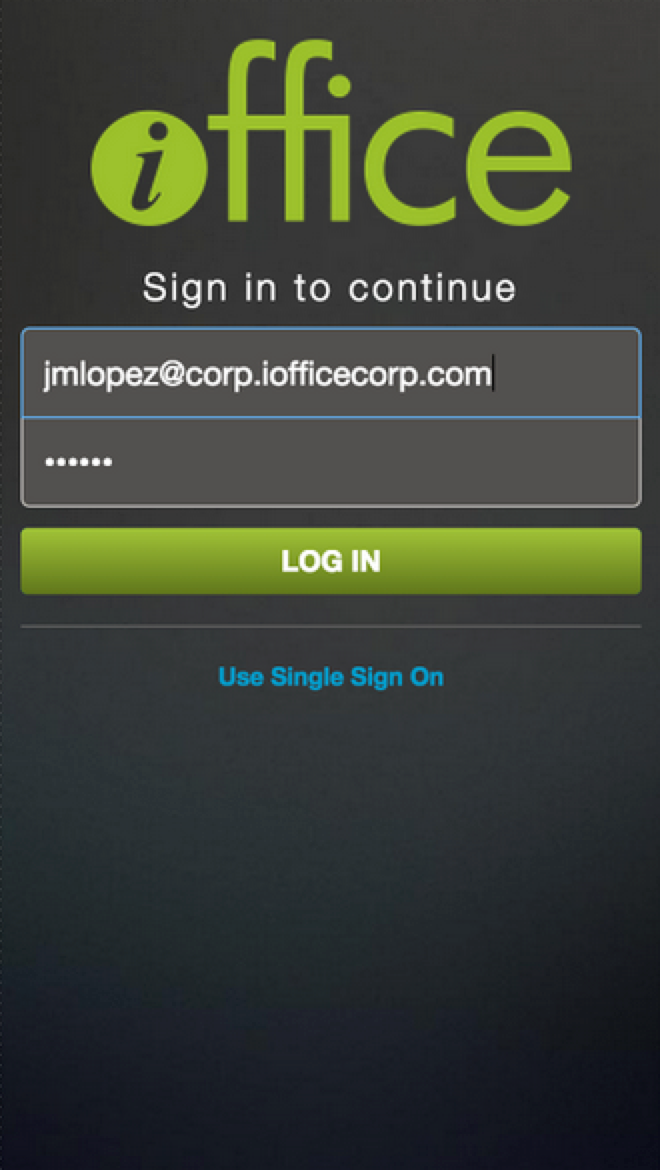
The Service Request Mobile app allows you to sign in using SAML/Single Sign-On (SSO). This provides an additional layer of convenience by logging in once without having to enter your credentials, even if you restart your phone.
In order for you to sign-in using SAML/SSO, you will need to have SSO already setup for your Service Request application, see SAML/Single Sign-On (SSO).
Additionally, you now have the ability to log into your Service Request Kiosk via SAML.