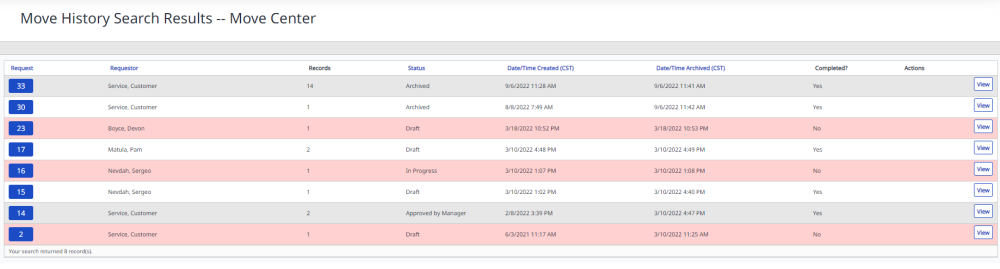
Search Move History
The Search History is useful for looking up any archived Move Requests in a Center.
- Navigate the Move > Search History.
- If you have multiple centers then from the All Center drop-down, select a center.
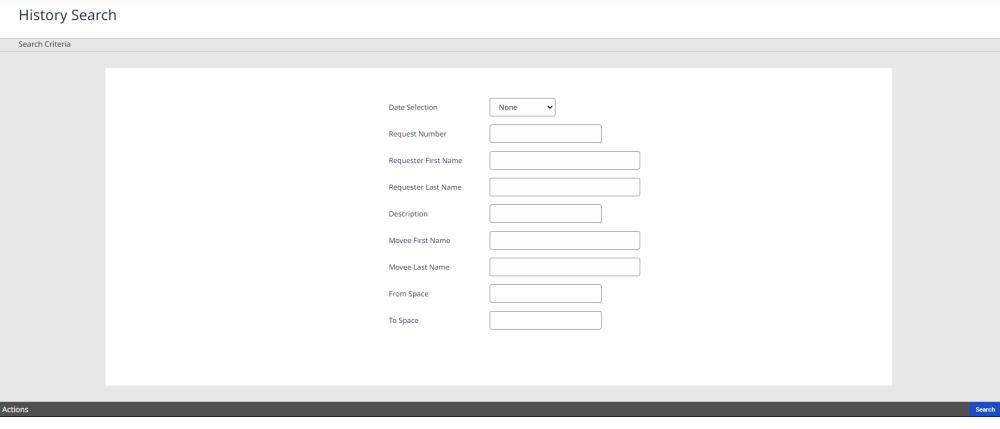
- Search by any of the fields or combinations of fields on the History Search page.
- Click the Search button.
- When the search history result is shown, click View to see the move history.