Select Spaces
Eptura Workplace and Eptura platform services
Level: Administrator
You can quickly select a single space, multiple spaces in different areas, or multiple spaces within an area.
Select a single space
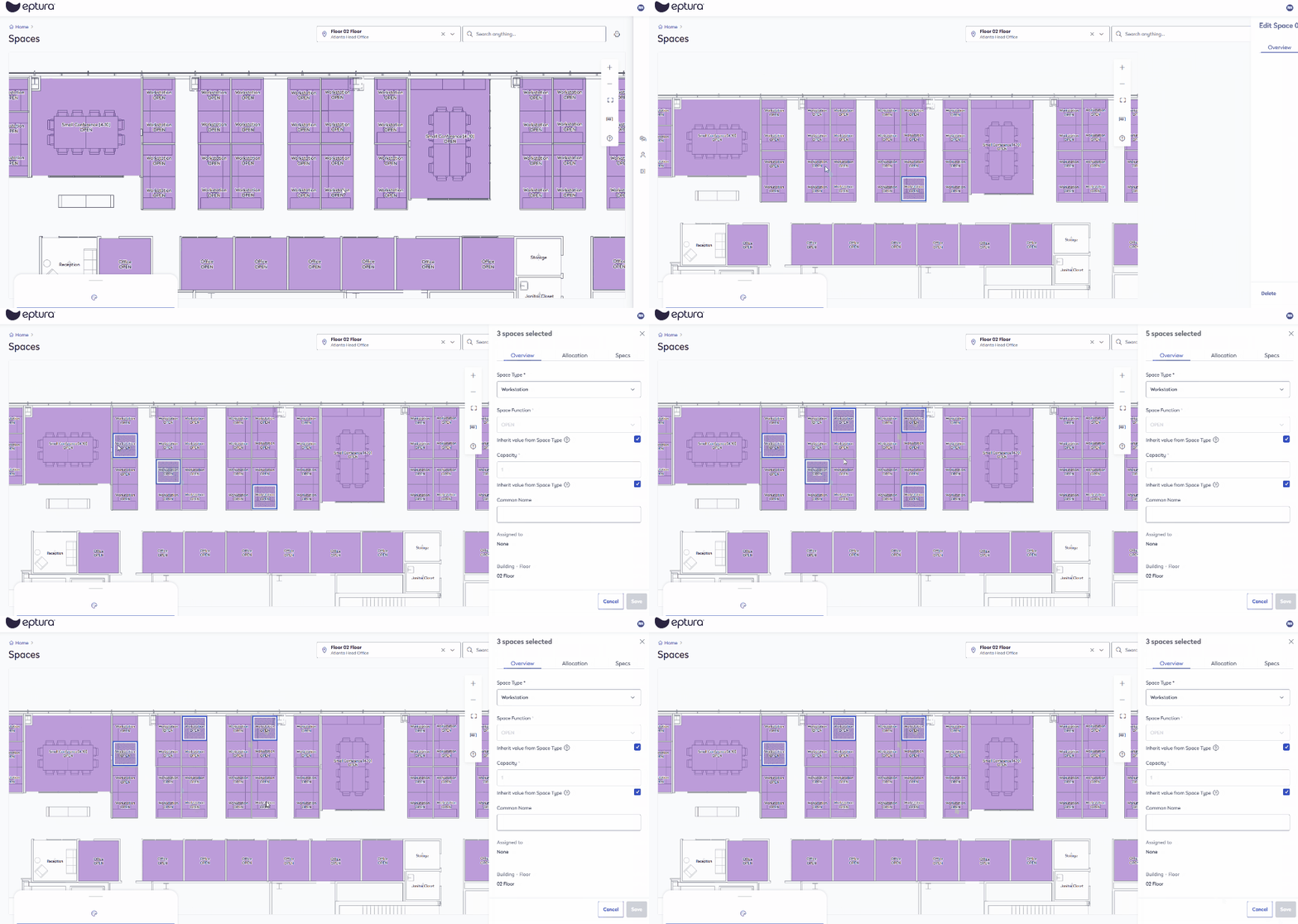
- Click a space to select it and the Edit Space form displays.

Multiple Spaces in different areas
Select multiple spaces
- Hold down the SHIFT key and then click the spaces. The Edit Space form displays and it shows you the number of spaces selected.
De-select multiple spaces
- Hold down the SHIFT key and then click the spaces to de-select spaces.
Multiple Spaces within an area
Select multiple spaces within an area
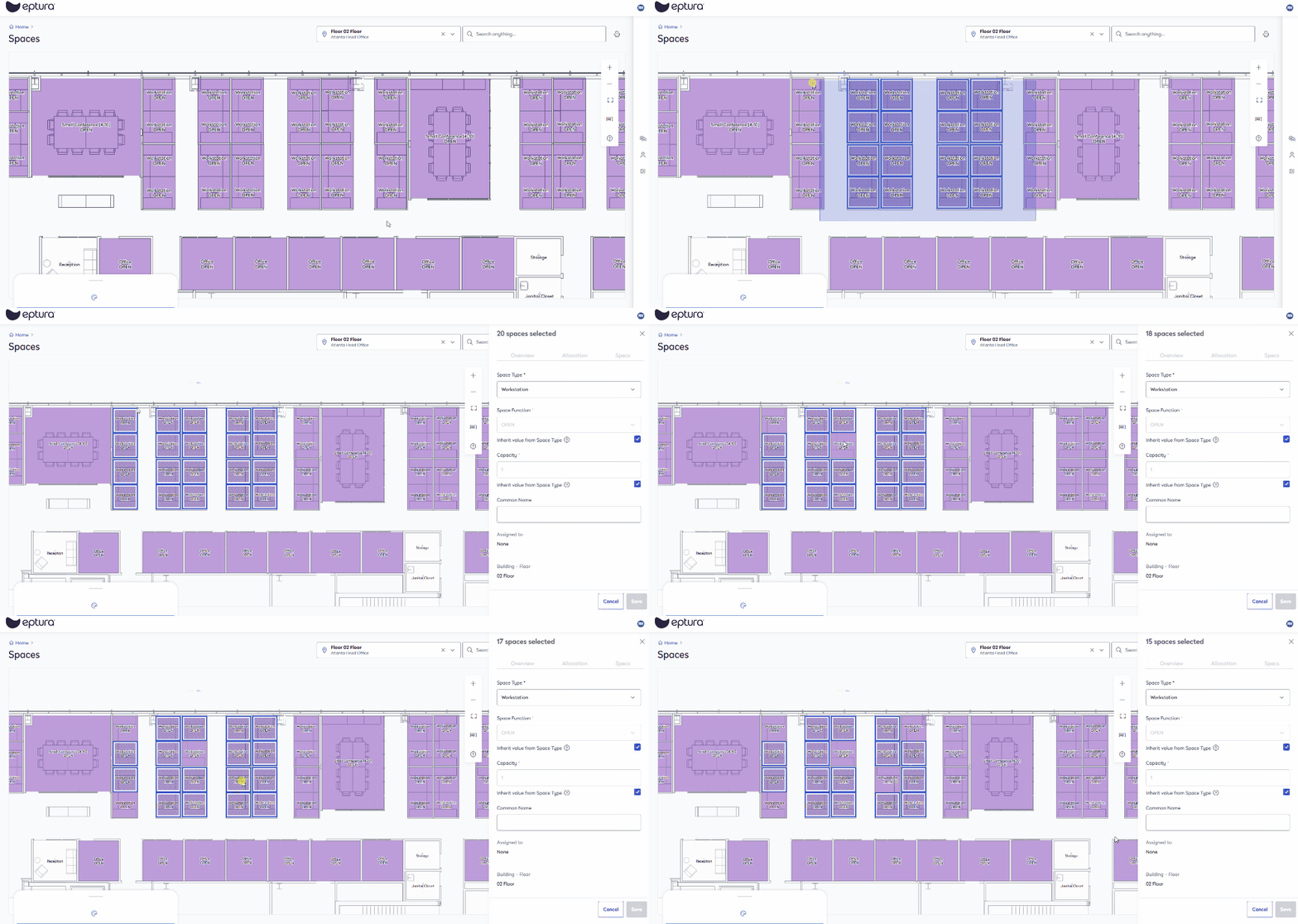
- Hold down the SHIFT key and then click-and-drag to select multiple spaces within an area. The Edit Space form displays and it shows you the number of spaces selected.
De-select multiple spaces within an area
- Hold down the ALT key and then click-and-drag to de-select multiple spaces within an area