
2026 March Eptura Asset Product Release
March's release includes:
March 26th, 2026 Release
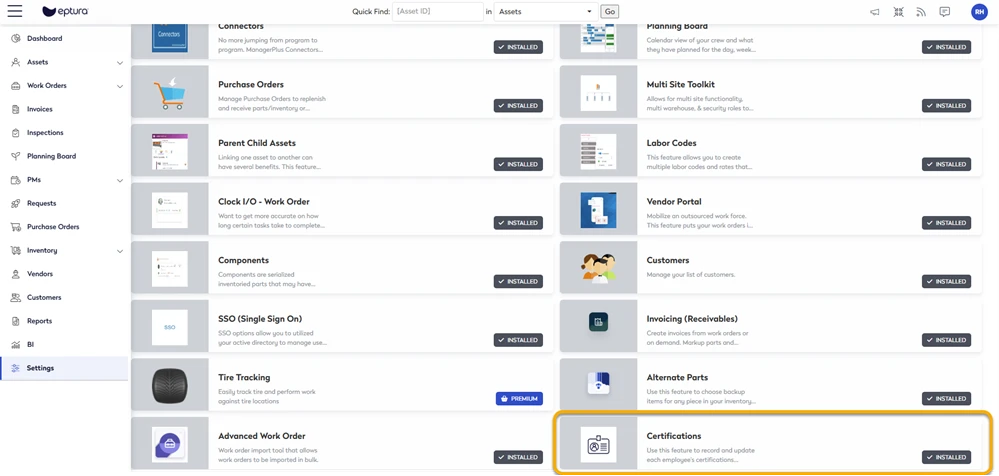
Marketplace now has Certifications available
The Certifications feature is now available as a Marketplace plugin. Administrators can enable it to manage employee certifications, including issuance and expiration dates, directly from the Marketplace.
Learn more in Marketplace Overview.
Asset Downtime Enhancement
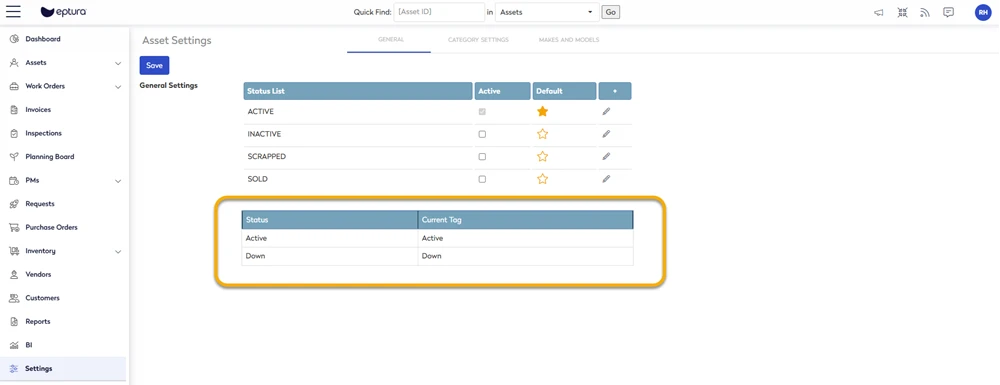
Users can now edit the reason field for active downtime events, improving clarity, and data accuracy. All changes are audit-logged.
Learn more in Change an Asset to be Offline or Online.

In the Settings > Module Settings > Asset your Administrator can change the default label names called Active and Down.
Learn more in Change Downtime Labels.
General Maintenance
- Purchase Orders - Work Order key now correctly applies to Purchase Order line items for Other Costs/Service Items.
- Module Settings > Contact - Employee list now loads correctly in Contact settings, even with large datasets.
March 5th, 2026 Release
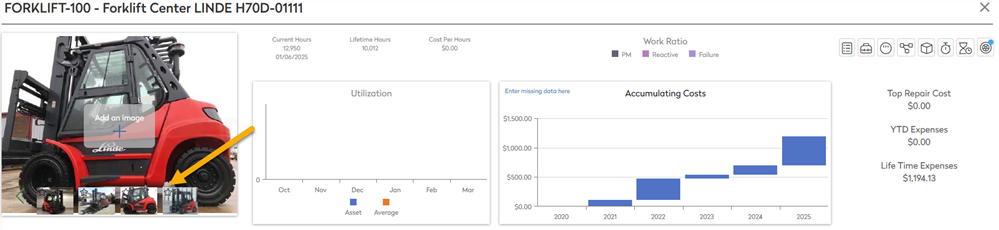
Asset Module - Set a Default Asset Image
Users can now pick a default image that appears across Eptura Asset. Learn more in Add an Image to an Asset.
General Maintenance
Purchase Orders
- Fixed Purchase Orders line‐item edits not being saved.
- Prevented duplicate parts on Purchase Orders when using desktop.
Navigation & Quick Find
- Switching between asset IDs now works smoothly.
Inventory, Parts & PM Scheduling
- Corrected allocation and adjustment issues.
- PM Next Due Date Reset via Work Order Import - Imports now automatically adjust PM schedules based on WO creation/completion date. Learn more in Import your Work Orders.
Portals and Site Management
- Open Request Portal - Corrected an issue with the captcha that blocked submissions.
- Request Portal - Corrected behavior so changing the Location (asset group) filter now updates results correctly when expanding or collapsing groups in both open and secured portals.
UI/UX Improvements
- Corrected tooltips, avatar display, and inspection template category updates.
- Fixed “null” tooltip in Planning Board.
Custom Fields
- Improved handling of date formats, contact lookups, and lookup additions.