
Add a Note to an Asset
Adding Notes to an individual Asset is a great way to keep its profile accurate. It allows you to customize any instructions or record any specific information on the Asset.
- Navigate to the Asset module and the Asset Management screen displays.
- From the asset list, click an existing asset.
- Click the View Asset Details
 icon and the Asset Details panel displays.
 - Click the Notes
 icon.
icon. - Click the New Note button.
- Add the note and then click the Add Note button.
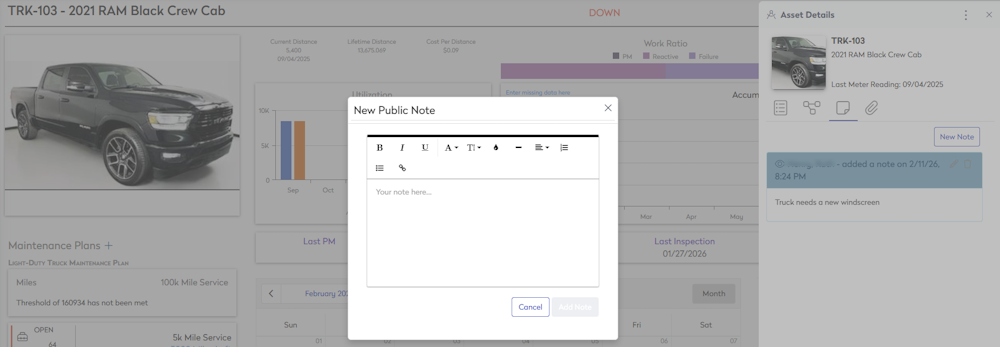
If you need to edit or delete a note, click on the Delete icon or click the Edit button to modify a note.