
2018 May Product Release
Flexible Workplace, Managing Space and Cost
The latest release includes features to support your agile workplace, giving you the flexibility needed to manage both your space and your costs.
Projections
LRP (long-range planning) for future growth and space needs at a single glance
- Use simple calculator-like controls to see what’s on the horizon with low and high growth percentages
- Determine when you’ll exceed capacity based on projected growth
- Leave cumbersome spreadsheets behind and leverage data that’s already available in SpaceIQ
.png?revision=1)
Search Features
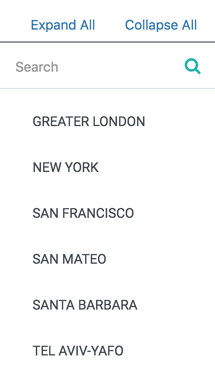
Eliminate scrolling in multi-Location and multi-City Portfolio views
- Use the Location Filter search bar to quickly zero in on the desired Location to be filtered
- Use the Cities search bar to quickly navigate through a long list of Cities
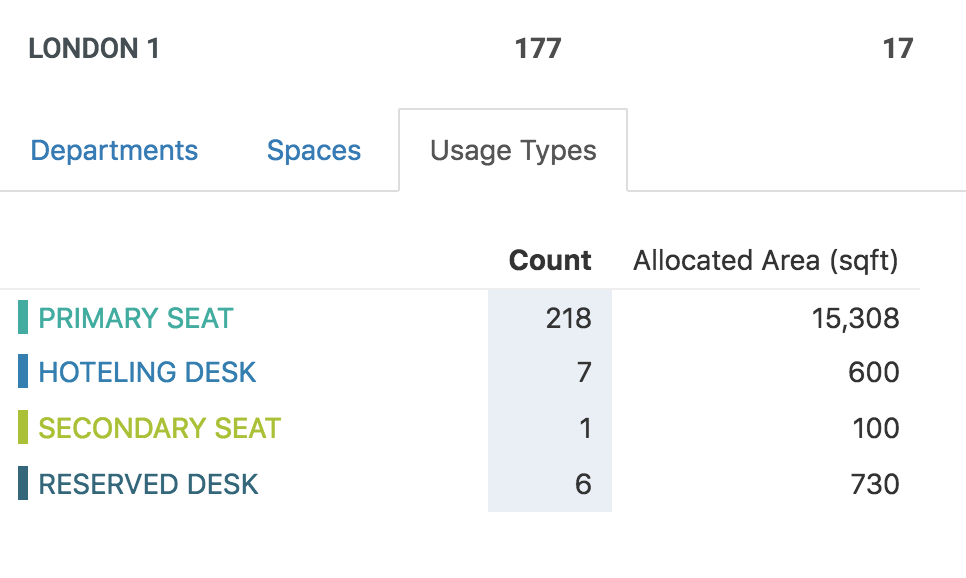
Usage Types Tab
Get a basic breakdown of Seat Usage Types
- See which Usage Types are assigned to Seats on a given floor, including Primary Seats, Reserved Seats, Hot Desks, and more
Settings
Access Settings and Integrations in one place
- Click on your username in any view to access all your SpaceIQ settings
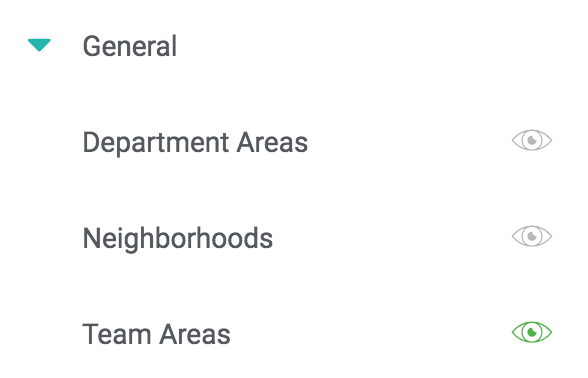
Department Blocking at Team Level
View Seats assigned to Teams in a highlighted block
- se the View Filter in Floor Map to turn on blocking for a specific departmental Team, not just the entire Department
- See whether Team members are too scattered in your current floor plan
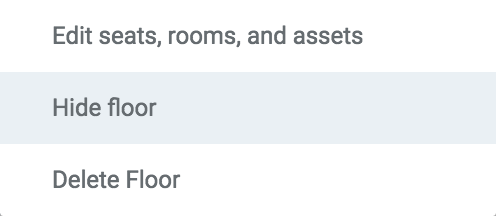
Hide Floor Plan From Viewers
Set Floors to Hidden when they aren’t ready for real-time display
- Admin-level users will still be able to see and make changes to hidden floor plans
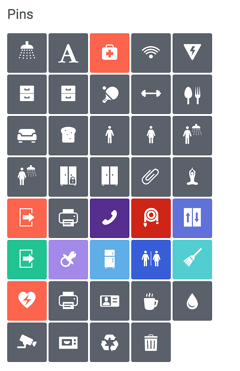
Upgrades to Pins
Select from a wider range of Pins to mark important equipment and facilities on a floor plan
- New pin options include Security Camera, Badge Point, Water Cooler, Garbage Bin, Recycle Bin, Microwave, and Coffee Machine
- Pins now display with a text label when you hover over them
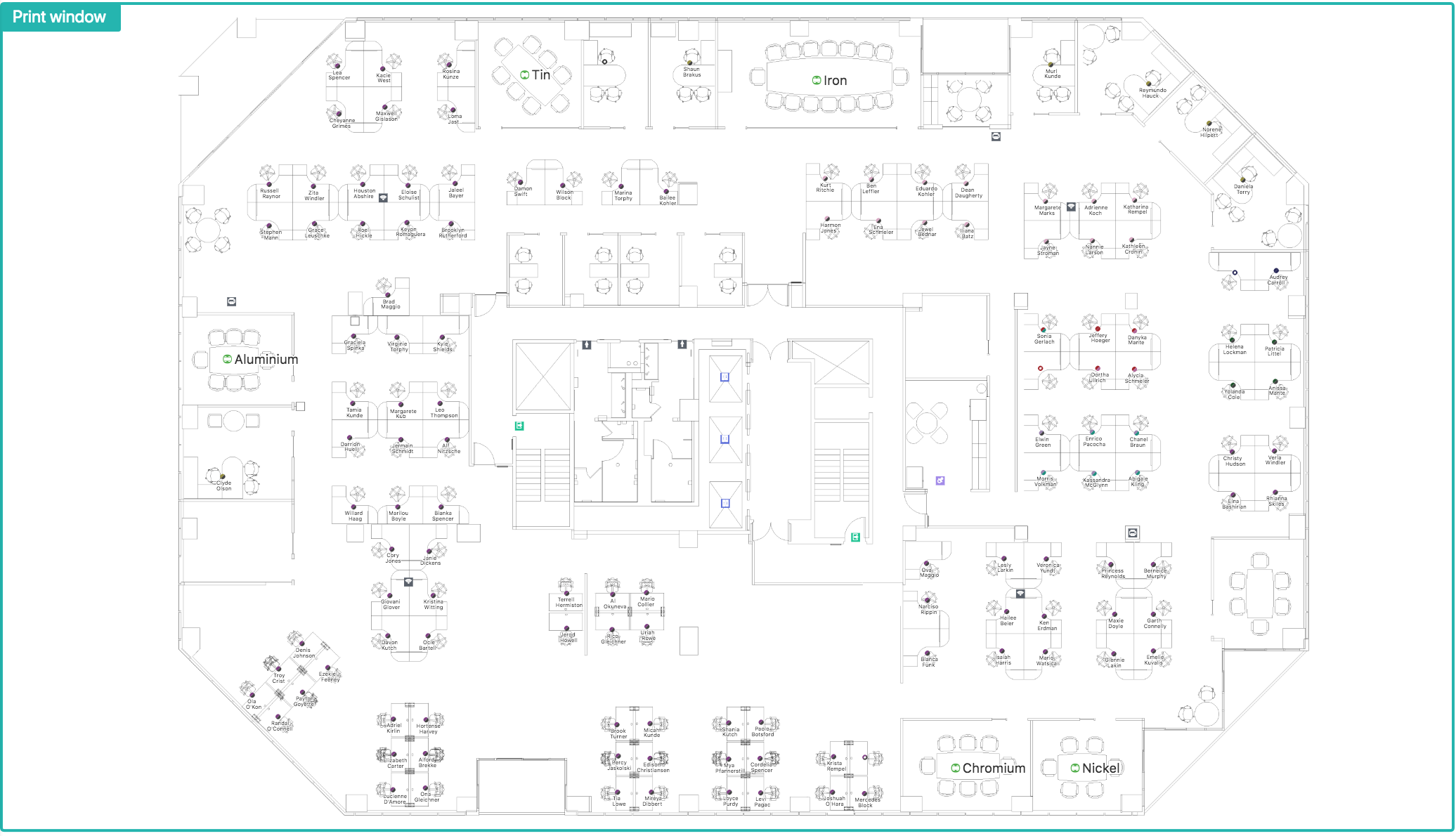
Floor Map Downloads
Use new Floor Map print features for customized control over map downloads
- Zoom in on a specific portion of the Floor Map to download and print or share
- See and save a visual representation of changes made to the Floor Map
.png?revision=1)
Move History
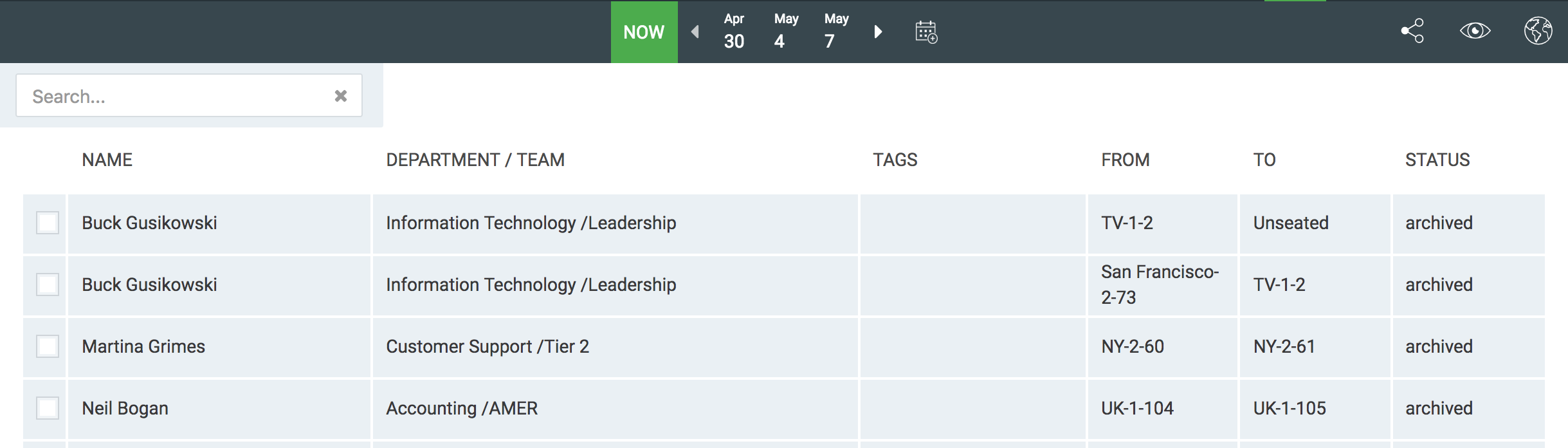
View last actions taken on the current Floor Map in Move Orders
- Access a detailed history of changes in the Now view
- See added seats, moved employees, and more