
Wayfinder
About the Eptura Engage Wayfinder
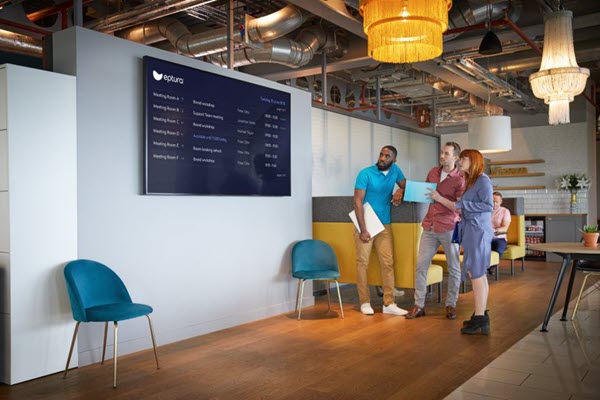
The Eptura Engage Wayfinder helps people navigate their way to meeting spaces located on a floor and is usually displayed on a large screen in a centralized location - such as a reception area or lift lobby.
Multiple instances of the Wayfinder can be created. Each Wayfinder is configured for a specific floor at a location and can display either a list of meeting spaces and their availability or a list of bookings and the checked-in status. Arrows on the screen direct the employee or visitor to the space booked for the meeting they are attending or to spaces immediately available for ad-hoc meetings.
The Eptura Engage Wayfinder runs from a web browser. A small form factor PC with internet access can be used when connected to a TV screen or a large monitor.
Prerequisites
To set up the Eptura Engage Wayfinder, you need the following:
- Eptura Engage Global admin account.
- Small form factor PC running the operating system of your choice.
- Chromium-based web browser (Google Chrome or Microsoft Edge are preferred).
- Large monitor or TV screen.