
Add services
How to add services to your booking
See how to add services to a booking created using the Eptura Engage Outlook add-in for Exchange Sync
Step by step
If services are available, such as catering or equipment, the meeting organizer is sent an Eptura Engage Services email when a booking is made. The email includes a link to the Eptura Engage booking form where additional services can be requested.
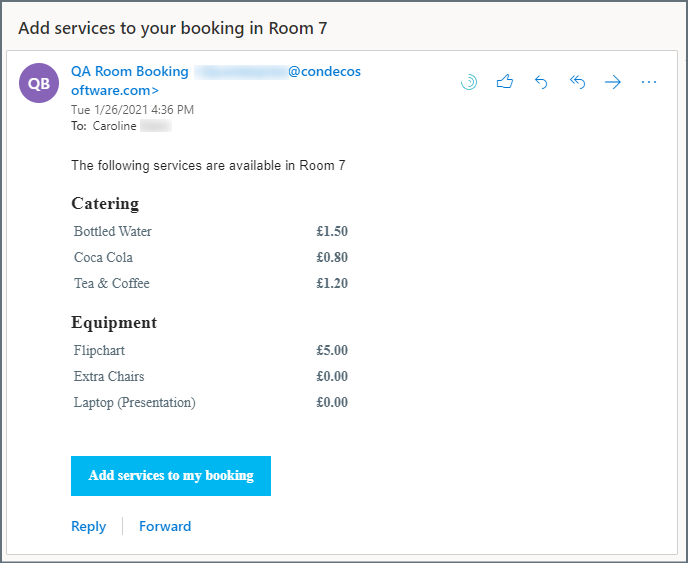
The email shows the services offered with the meeting space. Click Add services to my booking to open the Eptura Engage booking form and request additional services. Learn more: Booking form for meeting spaces
Notification periods and other rules for service items are enforced when services are added via the booking form, but not enforced if a user updates the appointment from their Outlook calendar.
Multi-room bookings: An individual room services email is sent for each meeting space added to a multi-room booking that offers services. Click the services link in any of the emails to open the booking form and make your selections.