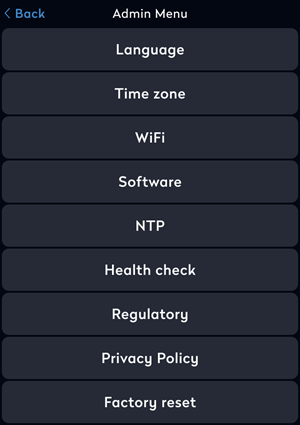
Admin options for desk booking screens
The device is set up during the initial setup and activation process, but settings can be changed at any time via the Admin menu on the device.
How to open the Admin menu on a desk booking screen
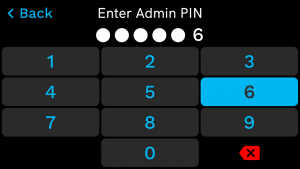
To access the Admin Menu and change the settings, you need the PIN for the desk group. Learn more: Screen settings and booking rules for desk booking screens
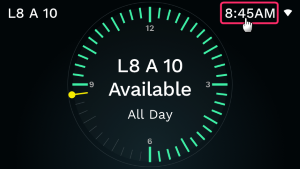
- Tap and hold the clock on the device for over a second to display the PIN pad.
- Enter the PIN.
- From the Admin Menu, tap the item to change.