
Eptura Device Hub
About the Eptura Device Hub
From the Eptura Device Hub, you can deploy, manage, and monitor all your Eptura and Condeco screens, as well as third-party devices running the Eptura room screen app.
Use the Device Hub to configure calendar services, activate and set up room screens, desk screens, occupancy sensors, and third-party devices running the Eptura Room Screen app. You can create booking rules and settings profiles for groups of devices, monitor device health, and customize room screen displays from a single location.
Compatible web browsers
Supported browsers:
- Chrome
- Edge
- Safari
How to launch the Device Hub
If your organization is not using Eptura platform services, the Eptura Device Hub is launched from westeurope.condecoconnect.com/ Sign in using your registered email address.
 |
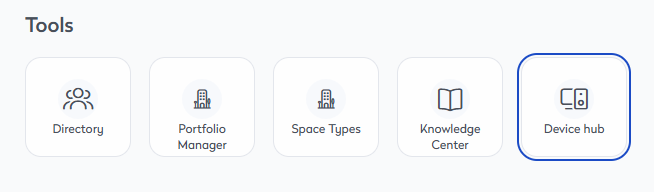
Eptura platform services If your organization has enabled Eptura platform services, the Device Hub is launched from the Tools menu in Eptura Home.
Learn more
|
Device Hub Guide
This guide provides an overview of product features and related technologies. It includes recommendations on best practices, tutorials for getting started, and troubleshooting information for common situations.