
Register RFID card with PIN
Before you start
If you do not already have a PIN you must generate one before you can register it on your RFID card.
How to register an RFID card with your PIN
Watch the video
See how to pair your RFID card from a room screen and a desk screen.
Audio: Sound Length: 1:07 minutes
Step by step
- On the meeting room screen select an available (GREEN) time slot in the future and tap CONFIRM.
- Swipe your card at the bottom center of the display.
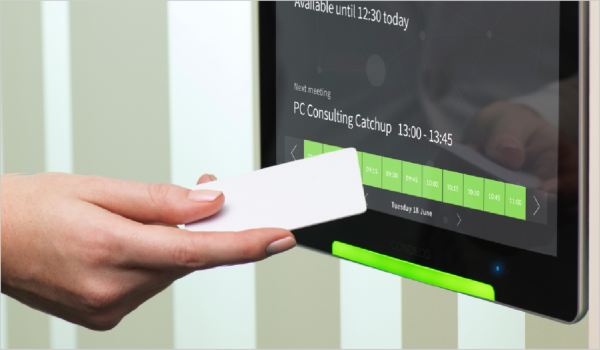
- A message advising the card is not registered yet is displayed at the bottom of the screen.
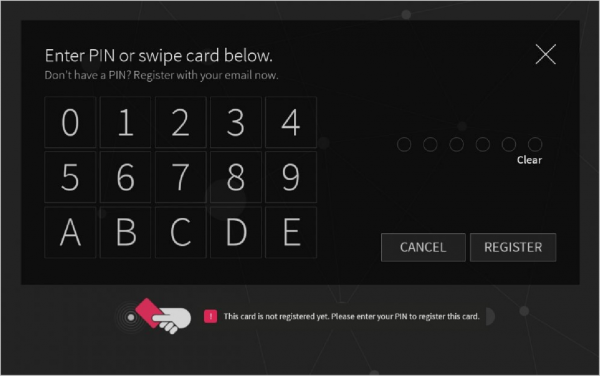
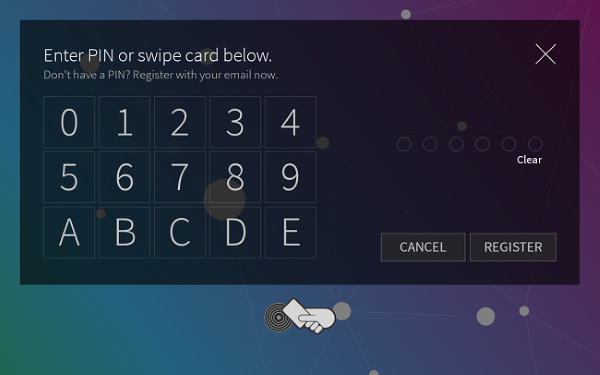
- Remove the card from the screen and type your PIN on the keypad and tap REGISTER
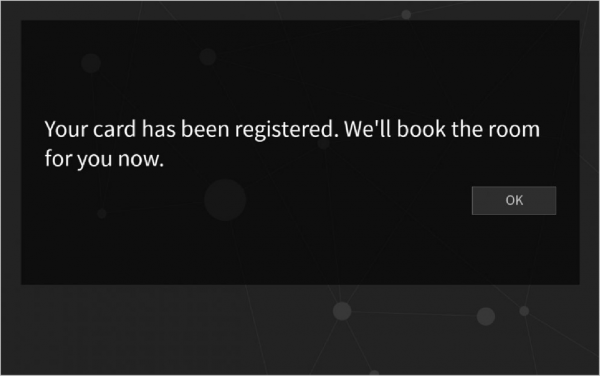
- Your card is now registered.
- If not required, delete the meeting room booking that you made during this process.