
SaaS Privacy Policy
To comply with the California Consumer Privacy Act (CCPA), Condeco and Eptura devices and device apps, provide access to the Eptura SaaS Privacy Policy.
Learn more: SaaS Privacy Policy
How to view the SaaS Privacy Policy
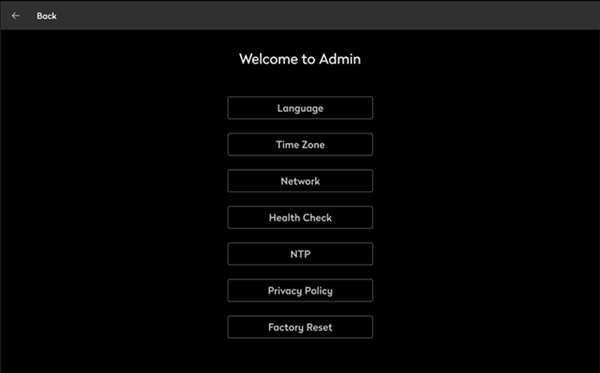
- To open the Admin menu, hold your finger on the clock in the top right part of the screen until you are prompted for the screen security PIN. Alternatively, swipe down from the top of the screen to reveal the screen security PIN entry page. Enter the PIN to continue.
- From the admin menu, tap Privacy Policy.
- The Eptura SaaS Privacy Policy is displayed.
