
Calendar integration troubleshooting
1. Calendar integration is not available in your Plan
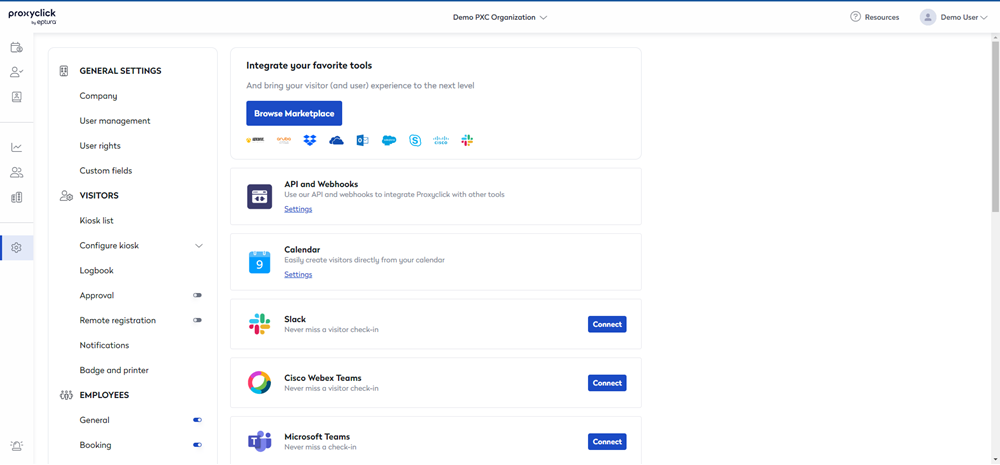
The calendar integration might not be active on your account. If you have access to the account settings, the Integrations section lists all of the features activated on the account.
If the Calendar integration is not listed, the account cannot access it.
2. You did not send the meeting request to an external email address
If you only send the meeting request to 'meeting@proxyclick.com' or to Eptura Visitor users and 'meeting@proxyclick.com', no meeting is created. There must be at least one email address that is external to your location in the recipient list.
3. Your email is not linked to an Eptura Visitor user
Eptura Visitor needs to identify the sender of the meeting request as a user in the location, to be able to create the visit in the correct location and under the correct host.
4. Meeting created in calendar is in the past
Meetings can only be created in the future - the calendar integration will not create meetings in the past.
5. 'meeting@proxyclick.com' was not added to the first meeting request
'meeting@proxyclick.com' must be added to the first meeting request sent - it cannot be subsequently added to an existing meeting.